Sales presentations with AI
Describe what you sell, or add your product notes and customer results. Synclo writes and designs a sales presentation that answers the buyer’s questions, with every figure as you gave it.
Create up to 40 AI slides free. No credit card required.
Every question a buyer asks, in the order they ask it
Synclo plans a sales presentation around the buyer’s questions: what it is, whether it pays, what it takes, the proof, and the next step.
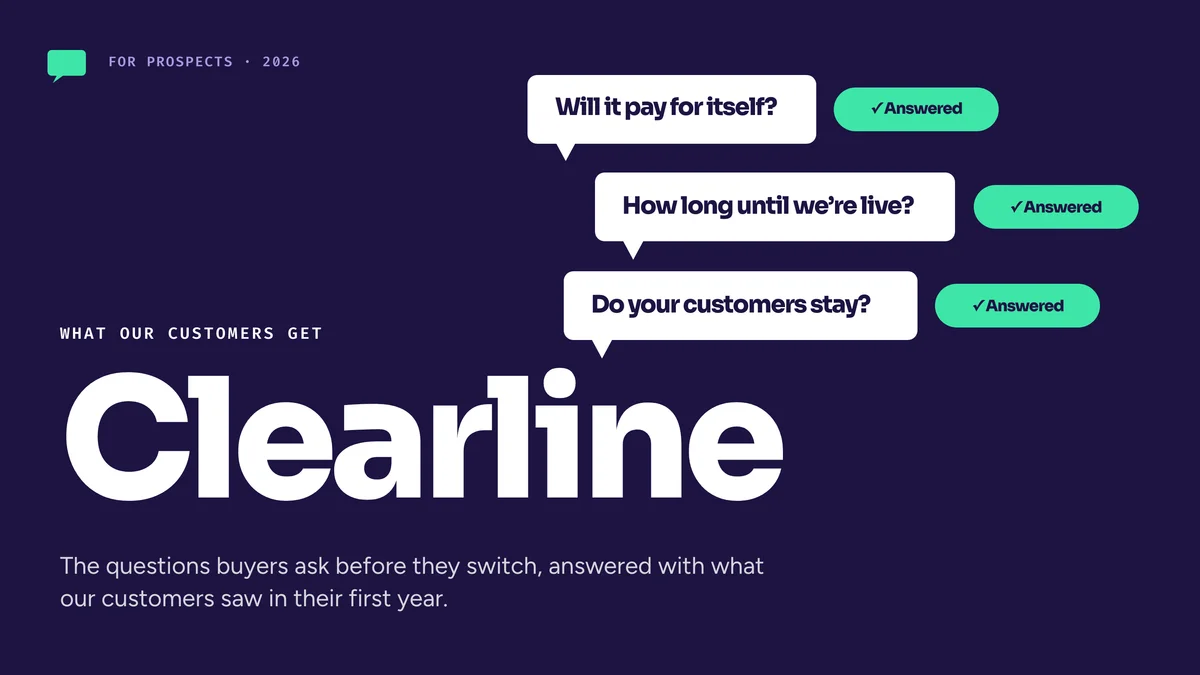
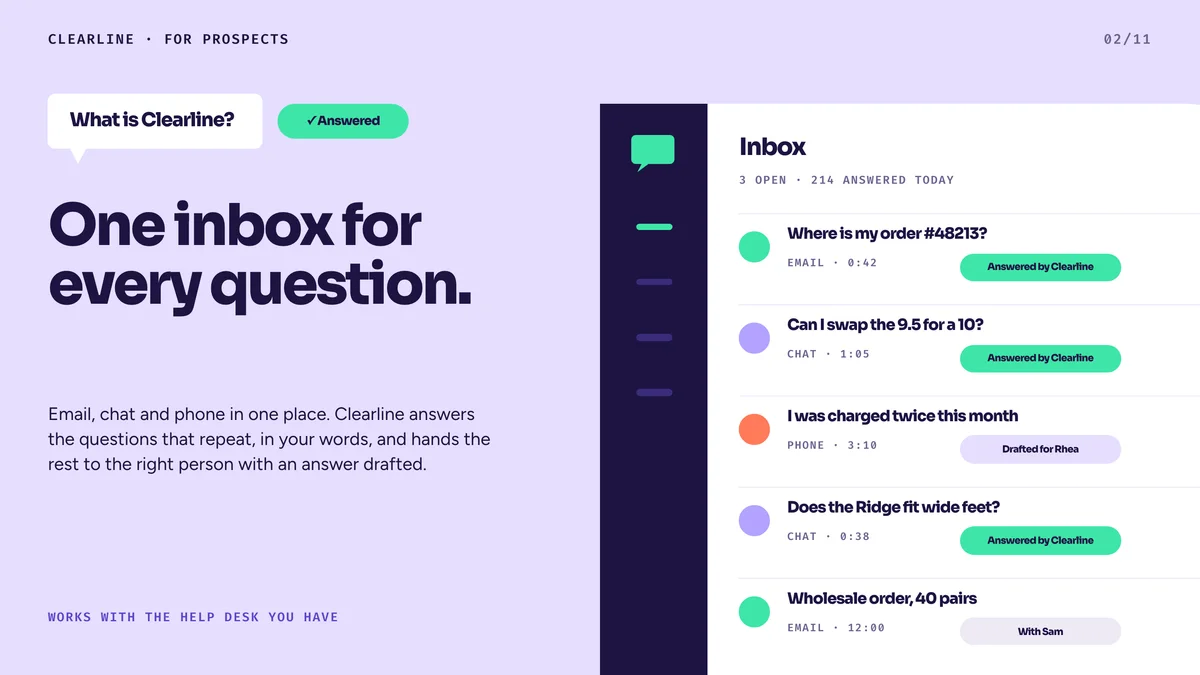
Clearline’s sales presentation, part by part
- 1
What it is
What you sell, in the buyer’s terms, on one slide.
- 2
Whether it pays
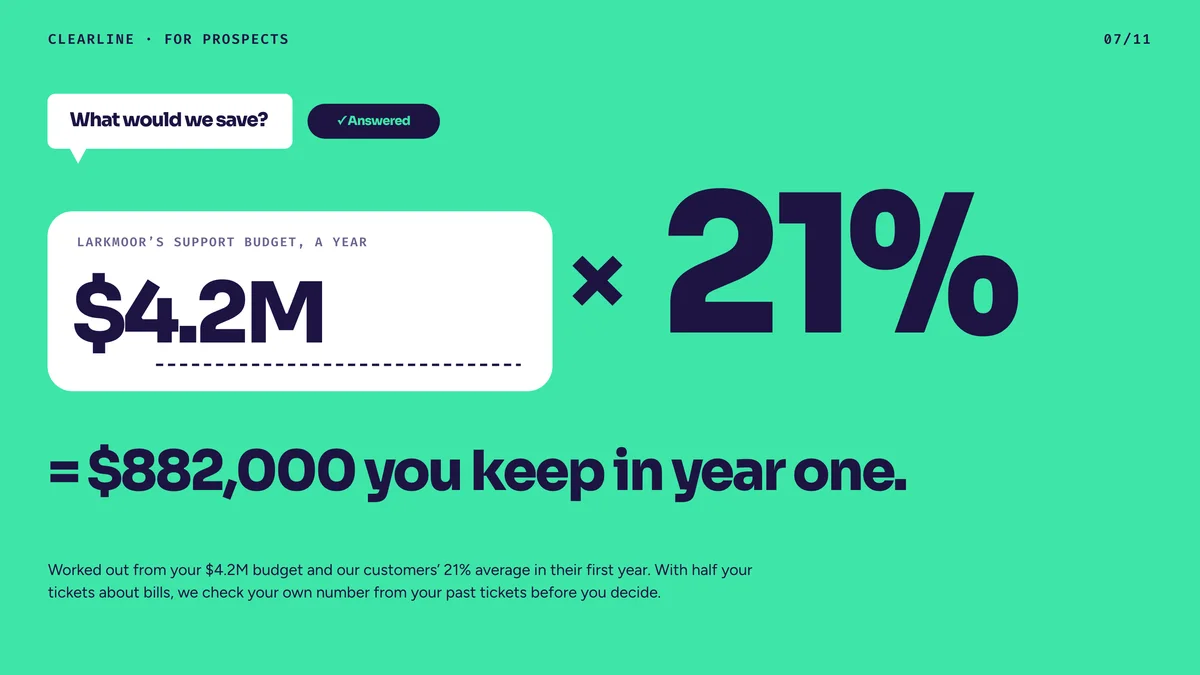
The return, worked out from the buyer’s own costs and time.
- 3
What it takes
How long until it is live, and who does the work.
- 4
The proof
Savings, customer satisfaction and renewals, each figure as you gave it.
- 5
The next step
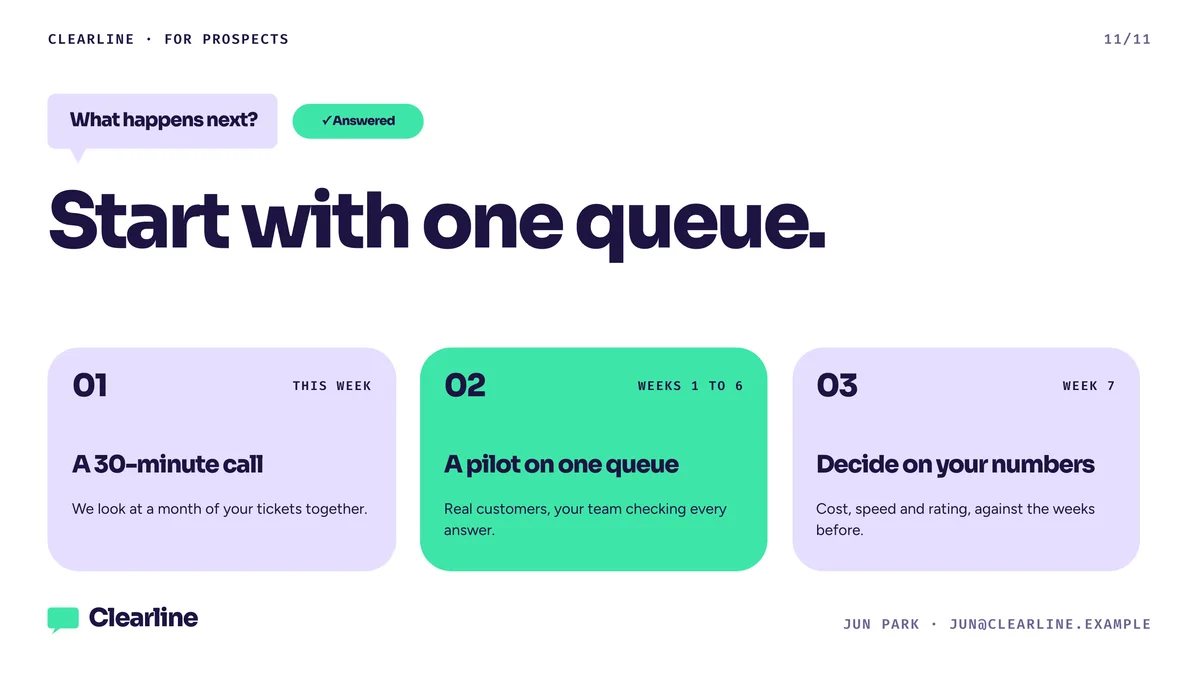
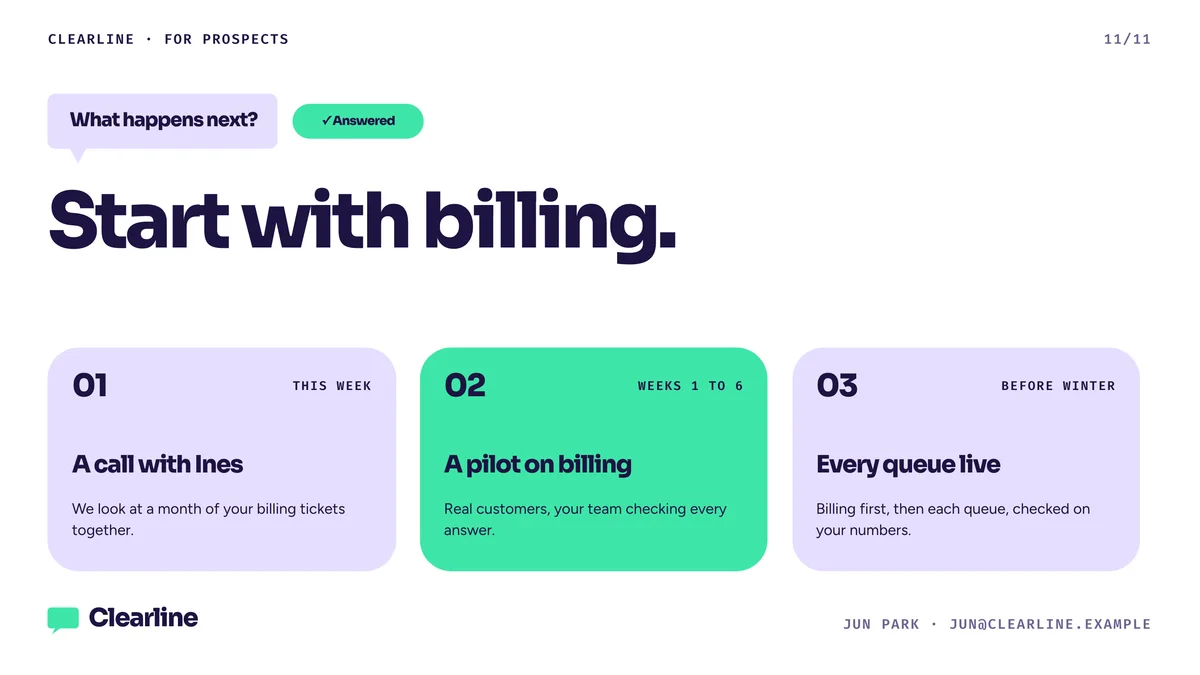
One line to remember, and what happens next.
A version for every prospect
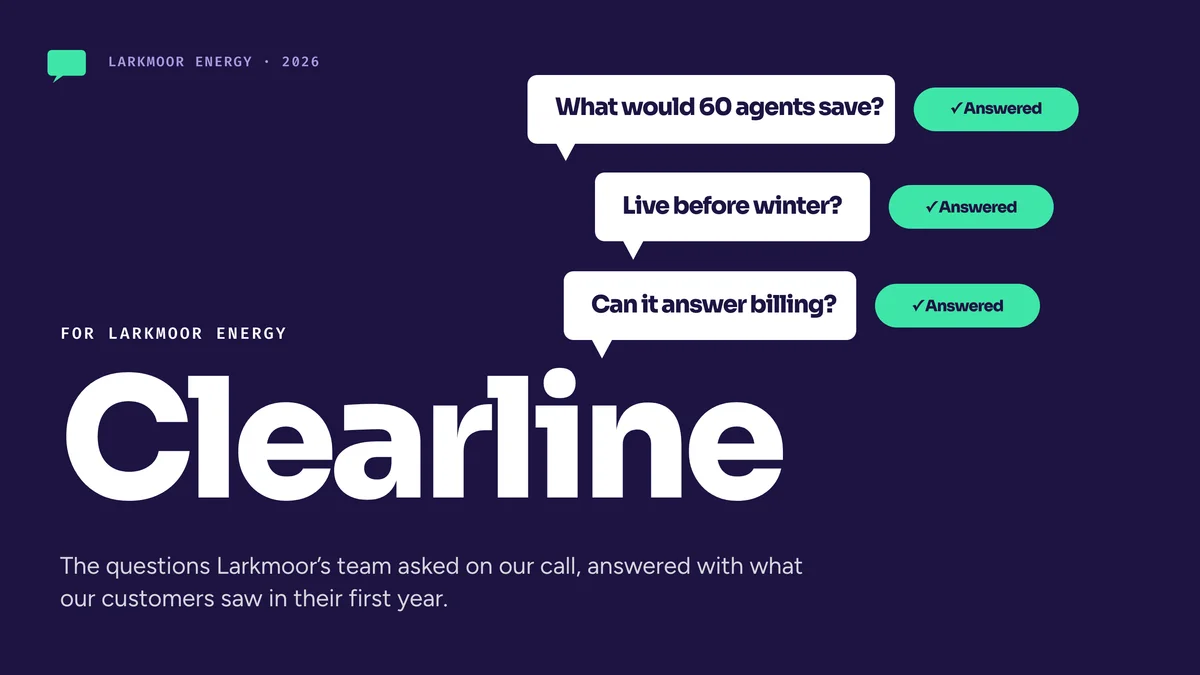
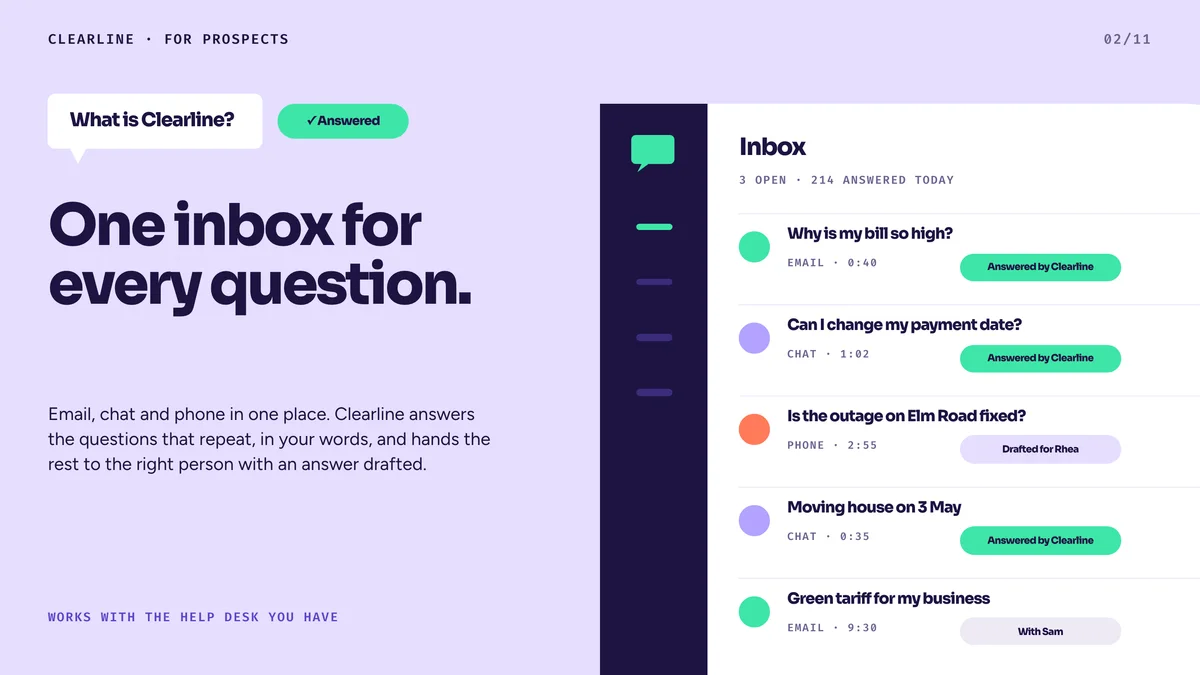
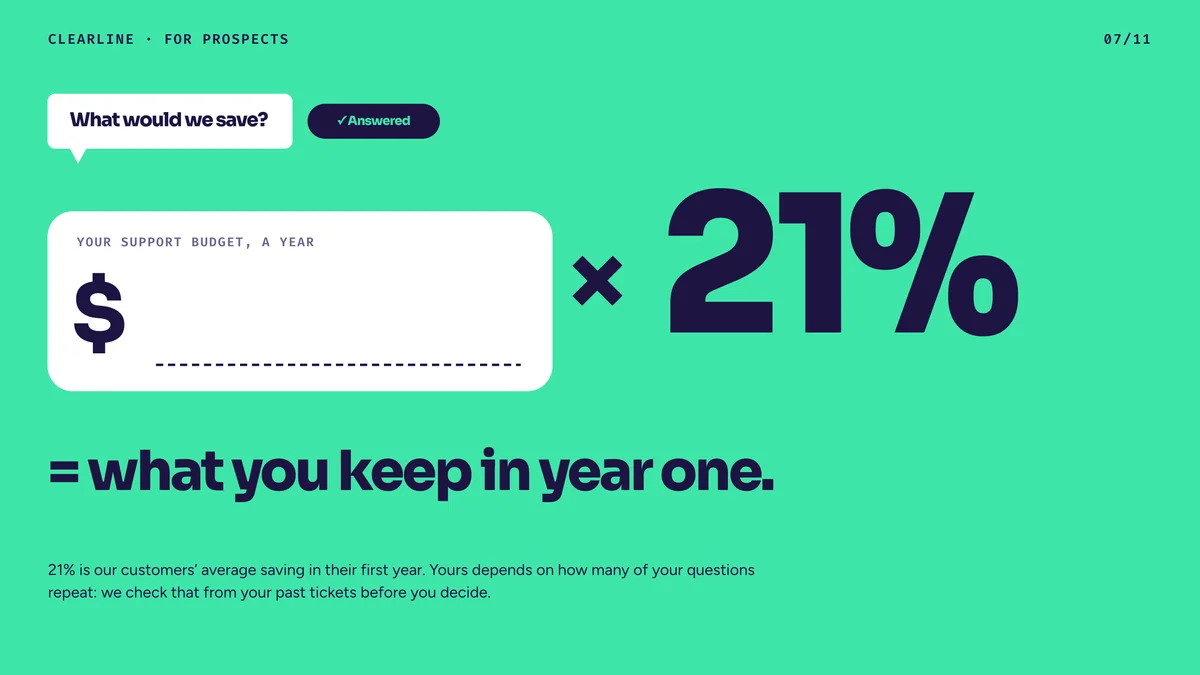
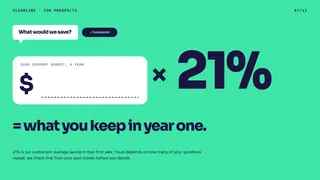
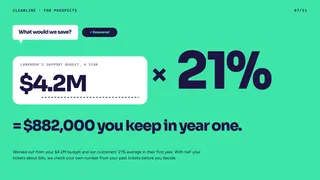
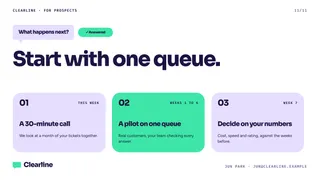
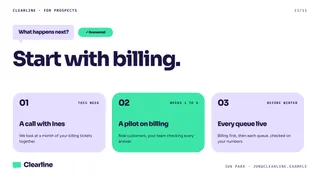
Duplicate the presentation and tell Revise who it is for: their industry, their size, the problem they raised on the call. It rewrites the slides for that prospect and marks every one it changed for you to review before you send.
- A copy of the presentation for each prospect
- One request rewrites it for their industry and size
- Every changed slide marked for review
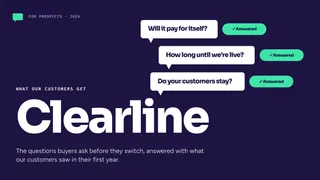
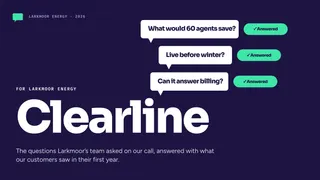
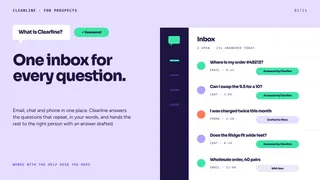
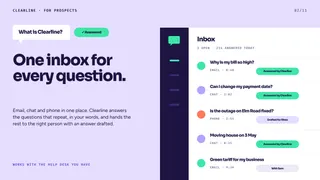
See which prospects read it
Send each prospect their own link. Synclo emails you when they open it and shows which slides held their attention, so you know whom to call and what to discuss.
- A link for each prospect
- An email when a prospect opens it
- Time spent on each slide
- IInes at LarkmoorReading nowCopy
- TTom at Larkmoor2 visits · 11 minCopy
- AAmara at LarkmoorNot opened yetCopy
Frequently asked questions
Can I use my own product information and customer results?
Yes. Paste them, or upload a PDF, Word or PowerPoint file. Your figures stay as you wrote them, and every chart is drawn from them.
Can it match our brand?
Yes. Add your website’s address and Synclo reads your logo, colors and fonts. On Business, brand lock keeps every new presentation on brand.
Can I make a version for each prospect?
Yes. Duplicate the presentation and tell Revise who it is for. It rewrites the slides and marks every one it changed.
Will I know when a prospect opens it?
Yes, on Pro. Make a link for each prospect and Synclo emails you when they open it, with the time spent on each slide.
Will Synclo make up figures?
Only where you give none. Synclo then writes sample figures, marks each one, and lists them before you share so you can replace every one.
Can I send it as PowerPoint or PDF?
Yes. Download an editable PowerPoint file, open it in Google Slides, or save a PDF.
Is Synclo free to try?
Yes. The free plan includes up to 40 AI slides. No credit card is required.
Start your sales presentation
Create up to 40 AI slides free. No credit card required.