Connectors
Use Synclo in Claude and ChatGPT.
Ask for a presentation in the middle of a chat. Synclo writes and designs it, saves it in your workspace and hands the chat its link.
Your pitch is ready: nine slides, saved in your Synclo workspace.
At a glance
- Plans
- Every plan, Free included.
- Cost
- 10 credits a slide from the workspace you connect, as in Synclo. See pricing
- Sign-in
- Your Synclo account. No API key.
- Saved
- In your workspace, ready to edit, present, share or download.
- Address
https://synclo.app/mcp
Add Synclo
Pick the app you use. It takes about a minute, and you sign in to Synclo once.
Add Synclo to Claude by its address, on the web or in the desktop app.
- In Claude, open Customize › Connectors and choose Add custom connector.
- Name it Synclo, paste this address and choose Add.
https://synclo.app/mcp - Choose Connect. Sign in to Synclo, pick a workspace and choose Allow.
- Ask for a presentation in any chat. To be sure Claude uses Synclo, name it: “Use Synclo to make…”
- On Claude Team or Enterprise, an owner adds Synclo for the organization first. Then each person connects their own Synclo account.
- Once Synclo is listed in Claude’s connector directory, you can also add it there by name. The address keeps working.
Until Synclo is listed in ChatGPT’s apps, add it by its address in developer mode.
- In ChatGPT, open Settings › Apps. Under Advanced settings, turn on Developer mode.
- Choose Create, name it Synclo, paste this address and choose OAuth for authentication.
https://synclo.app/mcp - Sign in to Synclo, pick a workspace and choose Allow.
- In a chat, add Synclo from the + menu, then ask for a presentation.
- On ChatGPT Business, Enterprise or Edu, an admin may need to allow developer mode first.
- Once Synclo is listed in ChatGPT’s apps, you can add it by name, without developer mode.
Automation tools don’t use the connector. They call the Synclo API with an API key, which comes with Pro, Max and Business.
- A workspace admin creates a key in Settings › API.
- Add an HTTP step: Webhooks by Zapier (Custom Request) in Zapier, the HTTP module in Make, or the HTTP Request node in n8n. Send a
POSTtohttps:/with the key in the/ synclo. app/ api/ v1/ generations Authorizationheader and your topic asinput. - Repeat a
GETon the generation every 5 seconds until itsstatusiscompleted, then use its links.
The API’s quick start, with the same steps in cURL, Python and JavaScript.
What you can ask
Ask in your own words. The assistant chooses the step, and each call it makes to Synclo shows in the chat.
Slides per presentation: 10 on Free, 20 on Plus, Pro, Max and Business.
“Make a 10-slide pitch for a neighborhood bike repair shop opening a second location.”
Create a presentation“Turn the meeting notes above into a two-page document for the leadership team.”
Create a presentation“Is it ready yet? Send me the link.”
Check on a presentation“Send me the pitch as a PDF.”
Export a presentation“Find my presentations about the spring launch.”
Find presentations“Read the sales kickoff presentation and list its three main points.”
Read a presentation“Which themes can I use? Make the next one in Midnight.”
List themes“Show me the templates, then use one for our research readout.”
List templates
What it can’t do yet
- Change a presentation that already exists.
- Open it in Synclo from the link in the chat and ask for changes there.
- Share or delete.
- Turning on a public link and deleting stay in Synclo, so a chat can’t publish or remove anything.
Which one is right for you
| You want to | Use | Plans | Sign-in |
|---|---|---|---|
| Make presentations from a chat in Claude or ChatGPT | The connector | Every plan, Free included | Your Synclo account |
| Make presentations in Zapier, Make or n8n | The API | Pro, Max and Business | An API key |
| Make presentations from your own code | The API | Pro, Max and Business | An API key |
| Let people use Synclo from your own app or assistant | OAuth and the MCP server | Every plan | Each person’s Synclo account |
Privacy
Synclo acts only in the workspace you pick when you connect, with your own access there. Disconnect any time in Settings › Connected apps, and it stops at once. More in the privacy policy.
Questions.
Anything else? Write to support@synclo.app. Developers: the MCP server reference.
Does it work on the Free plan?
Yes. Every Synclo plan can connect to Claude and ChatGPT, Free included. A presentation made from a chat uses the same credits as one made in Synclo.
What does a presentation cost?
10 credits a slide, from the workspace you connected, as in Synclo. If the workspace runs out, the chat says so: add credits at synclo.app and ask again.
Which workspace does it use?
The one you pick when you connect. To use another, disconnect in Settings › Connected apps, then connect again and pick it.
What can Claude or ChatGPT see?
Only the workspace you picked, and only what you could open there yourself: the titles and words of its presentations, and its themes and templates. Never your other workspaces, your account settings or your billing.
Do I need a paid Claude or ChatGPT plan?
That depends on their plans, not Synclo’s. Adding a connector by its address depends on your Claude or ChatGPT plan and your organization’s settings; their help pages say which plans can.
Can I use another AI assistant?
Yes, if it can add a remote MCP server with sign-in. Add Synclo by its address, https://synclo.app/mcp. Developers will find the details in the MCP server reference.
How do I disconnect?
In Synclo, open Settings › Connected apps and choose Disconnect. Access ends at once. You can also remove Synclo in Claude or ChatGPT.
Whatever you’re presenting.Start with one line.
Free to start. No card needed.
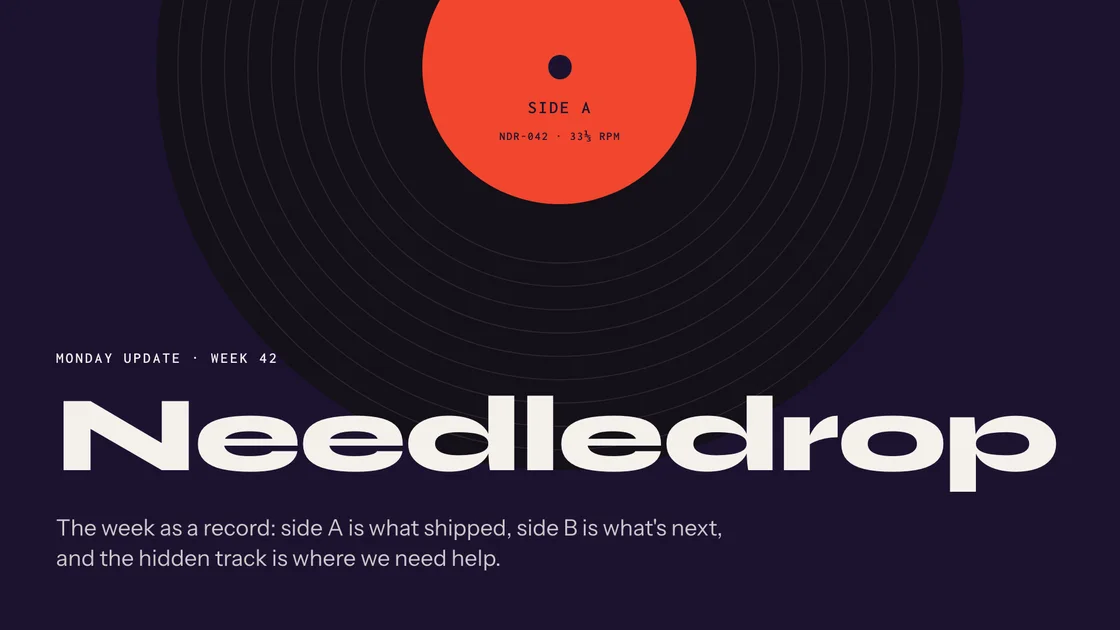
Monday 9:30 am · Team update
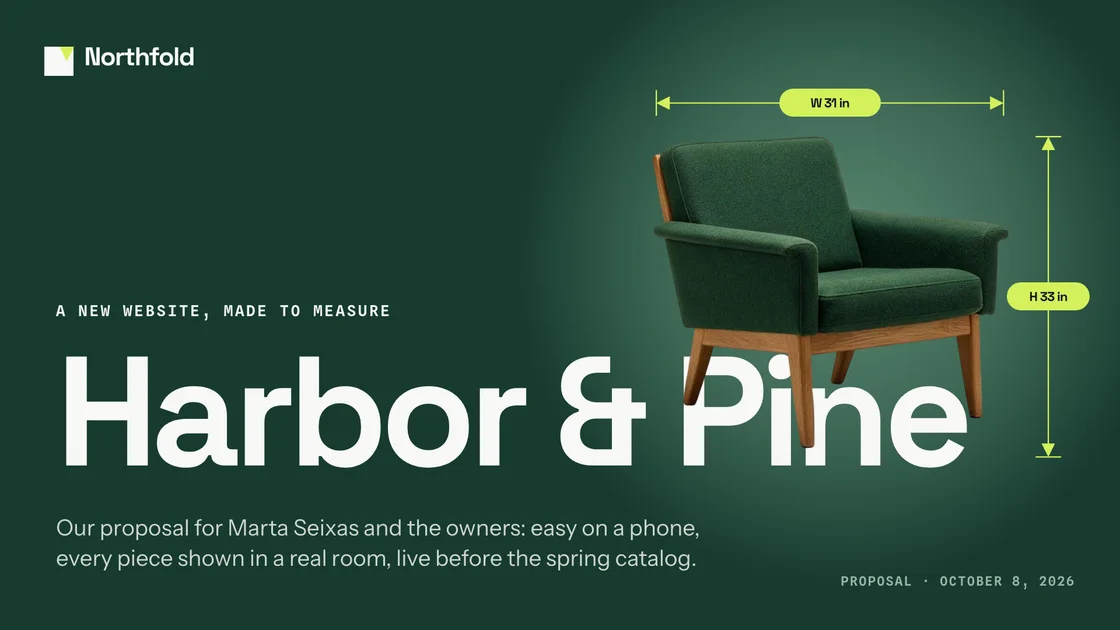
Monday 11:00 am · Client proposal

Monday 1:30 pm · Eighth-grade science
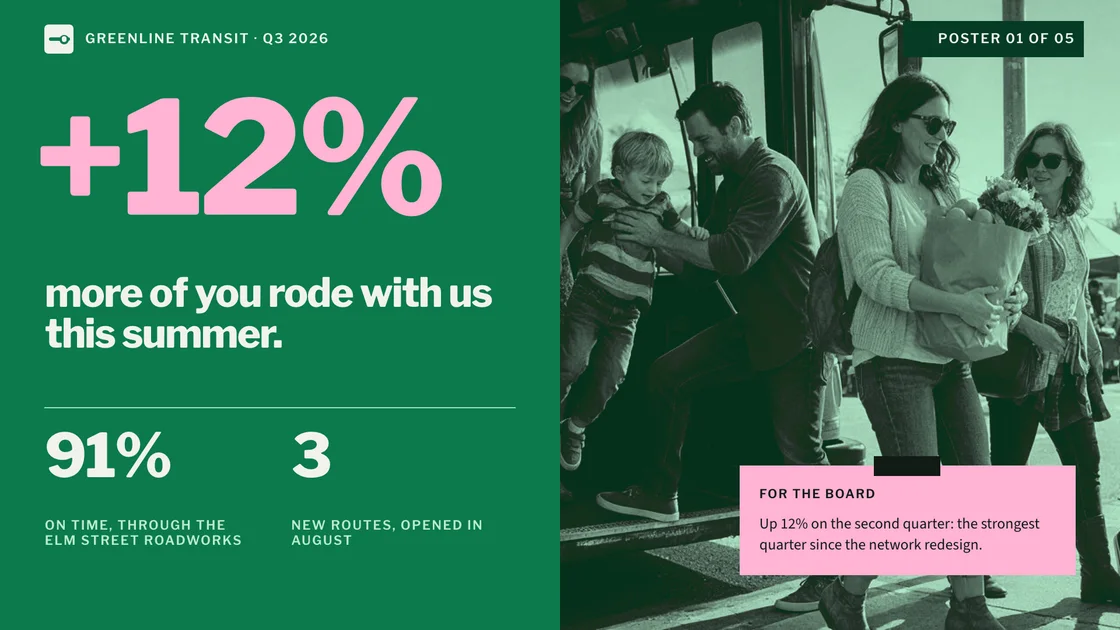
Tuesday 10:00 am · Board meeting

Wednesday 3:00 pm · Conference talk
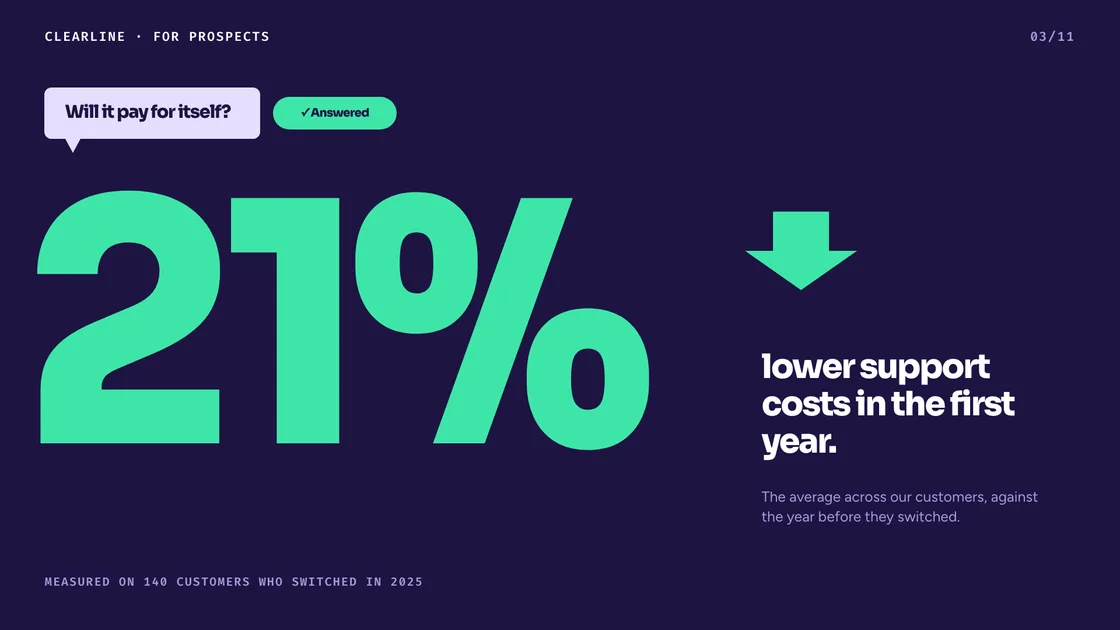
Thursday 9:00 am · Sales meeting

Thursday 10:00 am · Demo day

Thursday 2:00 pm · City council

Friday 9:00 am · Monthly review

Friday 3:00 pm · Product launch
Friday 5:00 pm · Client pitch

Saturday 7:00 pm · Sam’s 40th