Saturday 8:30 pm

The surprise party is in three weeks.Sixty guests. One link.

Synclo is an AI invitation maker. Write down the plan: the date, the place, the schedule. Synclo turns it into an invitation, with a link that opens on any phone.

Start free

Free to start. No card needed.

A party popper bursting with streamers on a pink backdrop.

From the plan to their phone.

The plan as it was typed, and the invitation every guest opens from one link.

Typed into Synclo

sam’s 40th, surprise!!hosted by jesssat nov 14, the boathouse, 7pmeveryone there by 6:45, lights offdinner 7:30 on the deckthen dancing till latepark behind the buildingDON’T TELL SAM

Make one like this

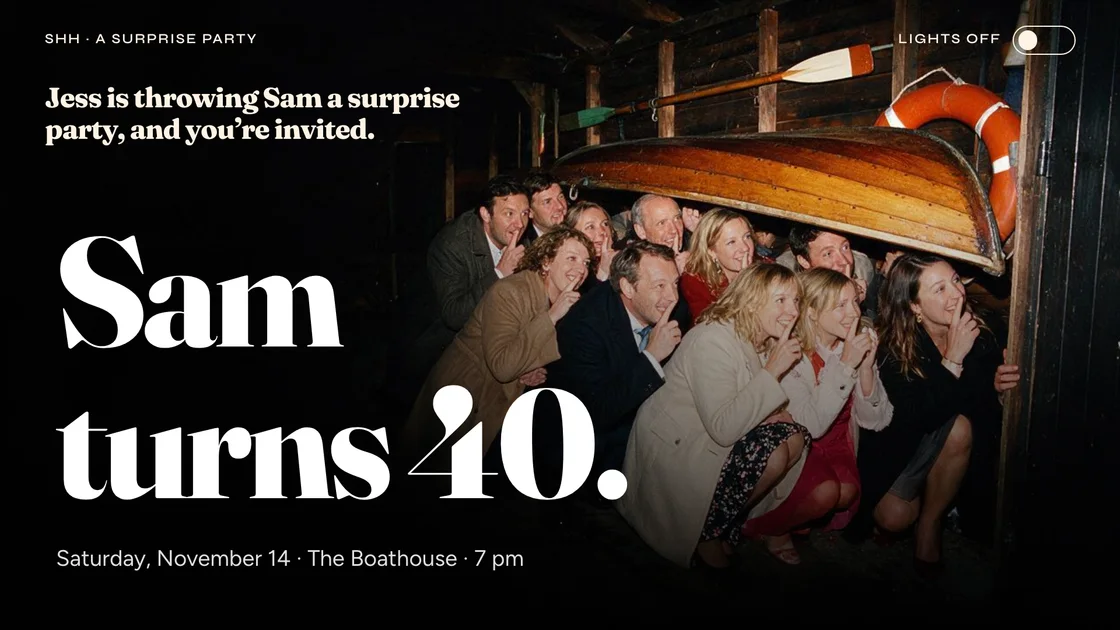
Sam turns 40.

Saturday, November 14 · The Boathouse · 7 pm

Jess is throwing Sam a surprise party, and you’re invited.
Shh · A surprise party
Lights off

Everyone in by 6:45. Then lights off.

Sam turns 40 · Saturday, November 14
Lights off
Be here by
6:45
Everyone in.
Then lights off.
When the last of us is in, the lights go off and the whole room waits in the dark. Not a sound.

7 pm: Sam walks in. Surprise!

Sam turns 40 · Saturday, November 14
Lights on
7 pm · Sam walks in
Surprise!
The door opens, the lights go on, and sixty of us say it at once.

7:30: dinner on the deck.

Friends in coats laugh and pass plates at a long candlelit table on a deck at night, string lights overhead.
Sam turns 40 · Nov 14
Lights on
7:30
Dinner on the deck.
Long tables by the water, everyone together. It’s November on the deck, so bring a warm layer.

What Synclo does for it.

  • One link for everyone.Send it in any chat or email, and every guest opens the same invitation.
  • Images made for the party.Synclo makes the images an invitation needs, or use your own photos.
  • Ask for changes.A new start time or a warmer tone, on one slide or all of them.
  • Change it after you send it.A new time or a new place, and the link everyone has shows it.

Questions.

Anything else? Write to support@synclo.app.

Do guests need an account?

No. The link opens on any phone or computer, laid out for the screen.

Can I add our own photos?

Yes. Upload your own photos, or let Synclo make the images the invitation needs.

Can I keep it private?

Yes, on Plus and up: add a password, or set the link to end after the party.

How do guests reply?

Synclo doesn’t collect replies. Add your RSVP link, an email address or a phone number to the invitation, and guests reply there.

Does it work for weddings and other events?

Yes. Write down the plan for any event, and Synclo turns it into an invitation.

Whatever you’re presenting.Start with one line.

Start free

Free to start. No card needed.

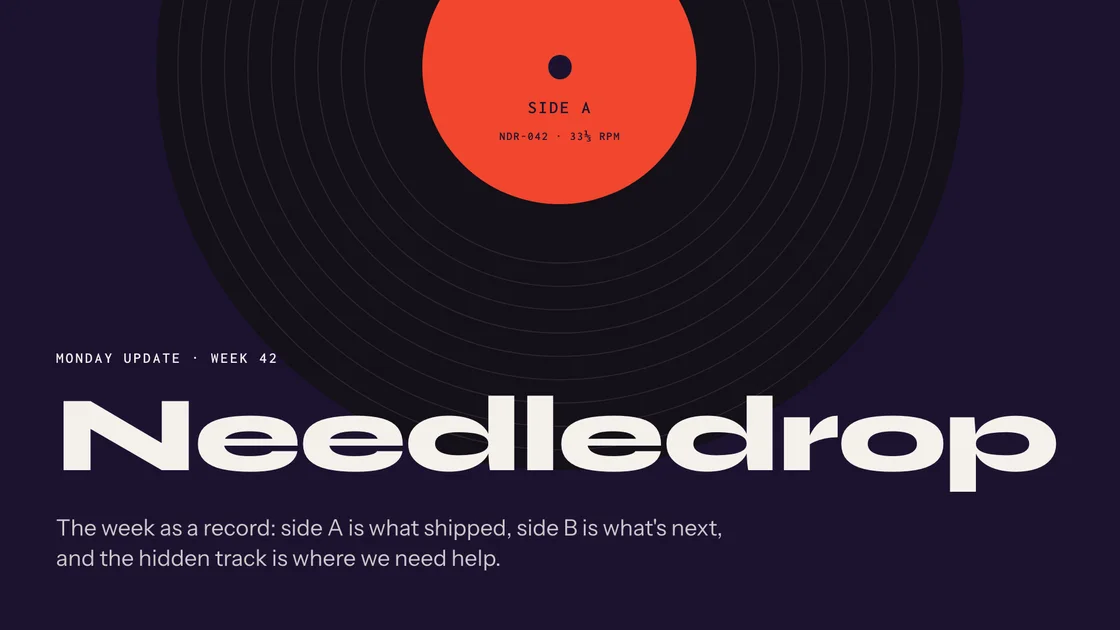
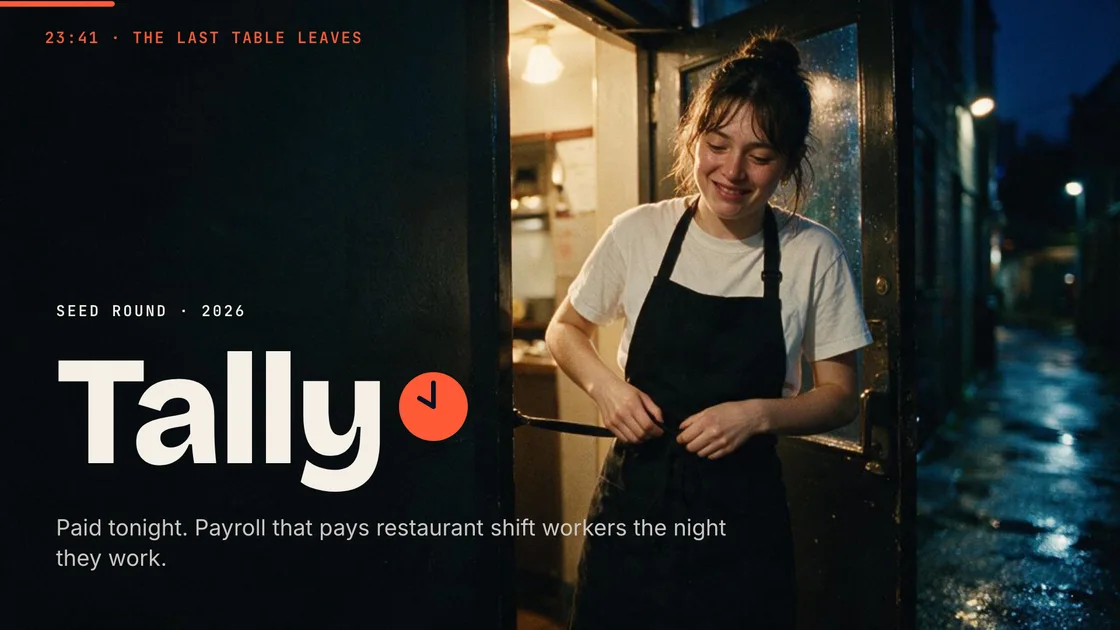
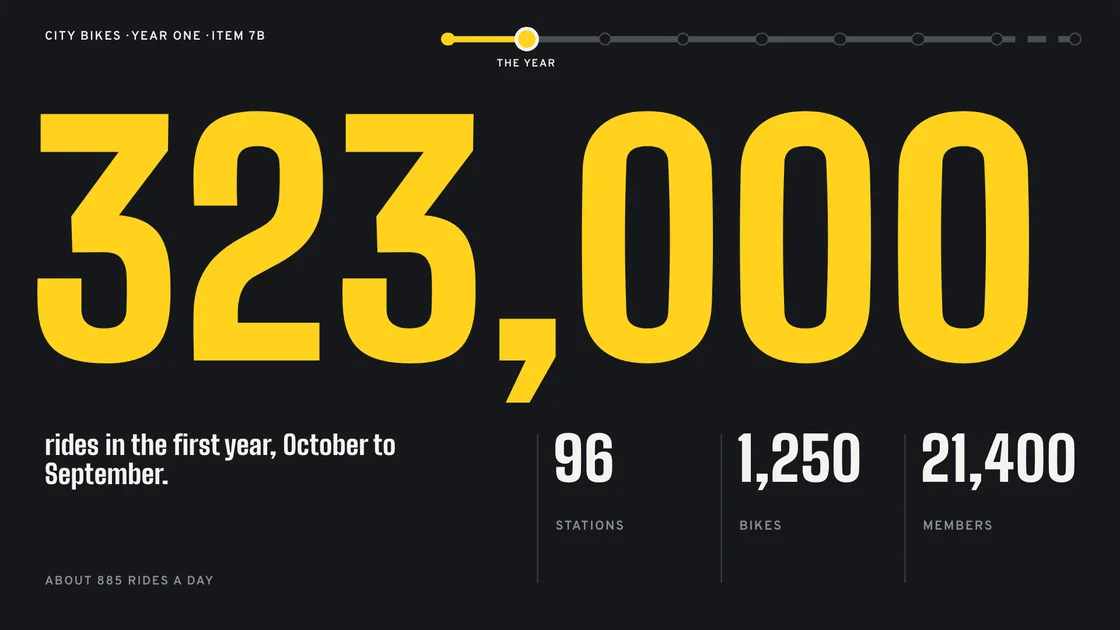
  • A slide from a team update presentation made with Synclo.

    Monday 9:30 am · Team update

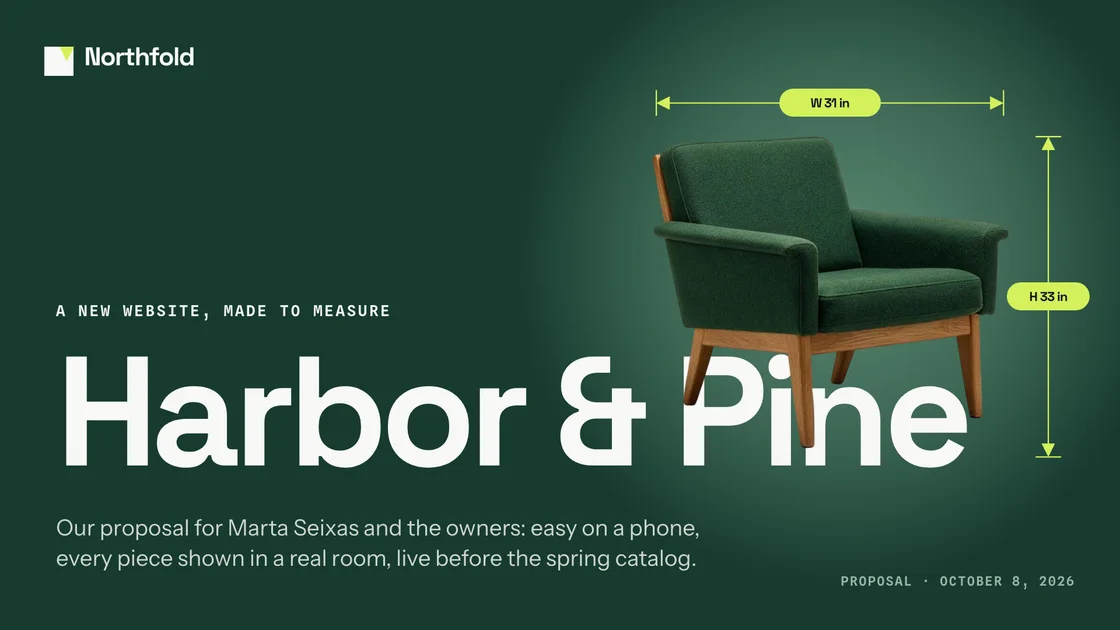
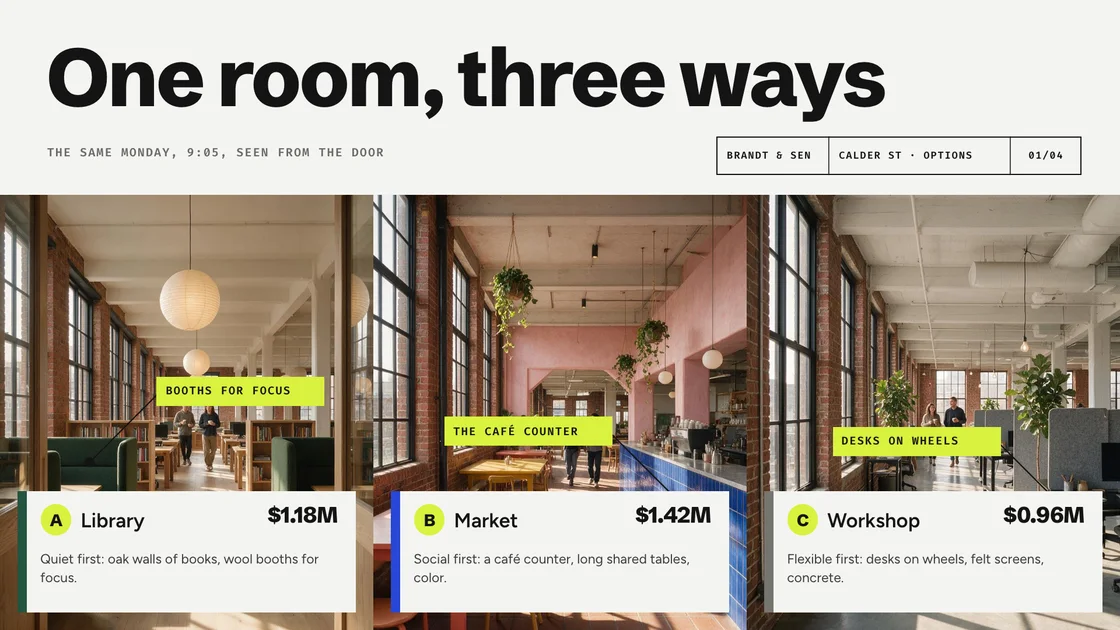
  • A slide from a client proposal presentation made with Synclo.

    Monday 11:00 am · Client proposal

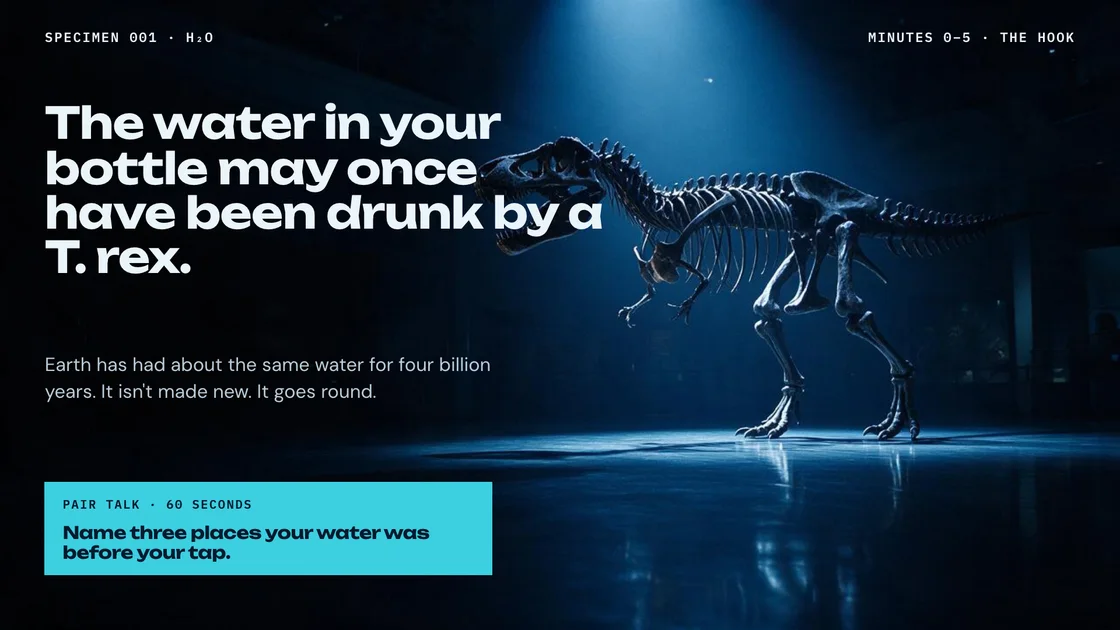
  • A slide from a eighth-grade science presentation made with Synclo.

    Monday 1:30 pm · Eighth-grade science
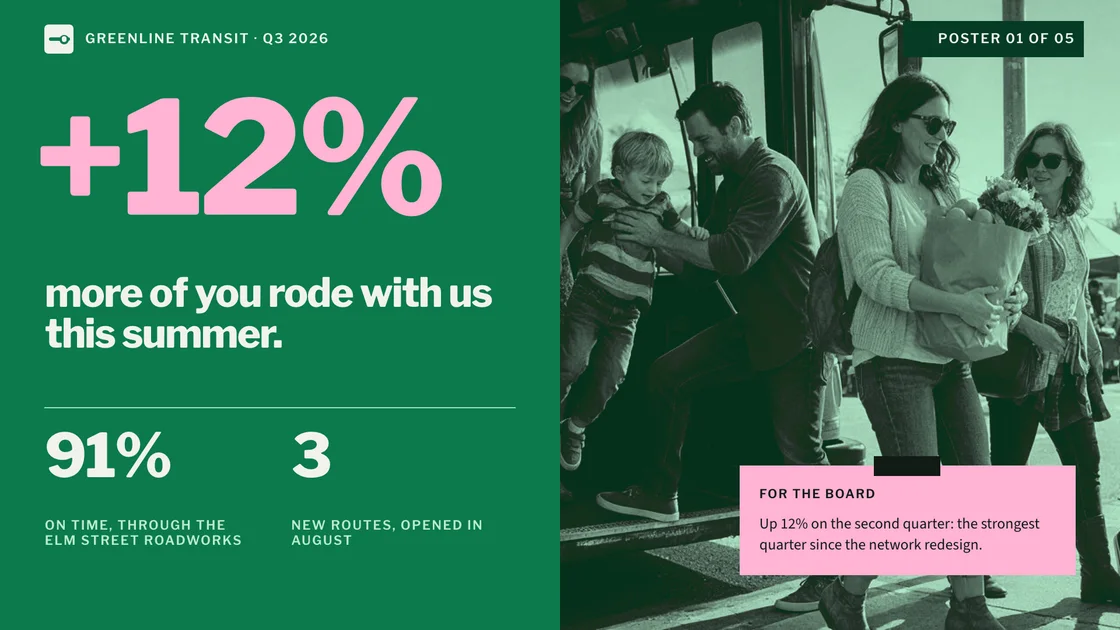
  • A slide from a board meeting presentation made with Synclo.

    Tuesday 10:00 am · Board meeting

  • A slide from a conference talk presentation made with Synclo.

    Wednesday 3:00 pm · Conference talk

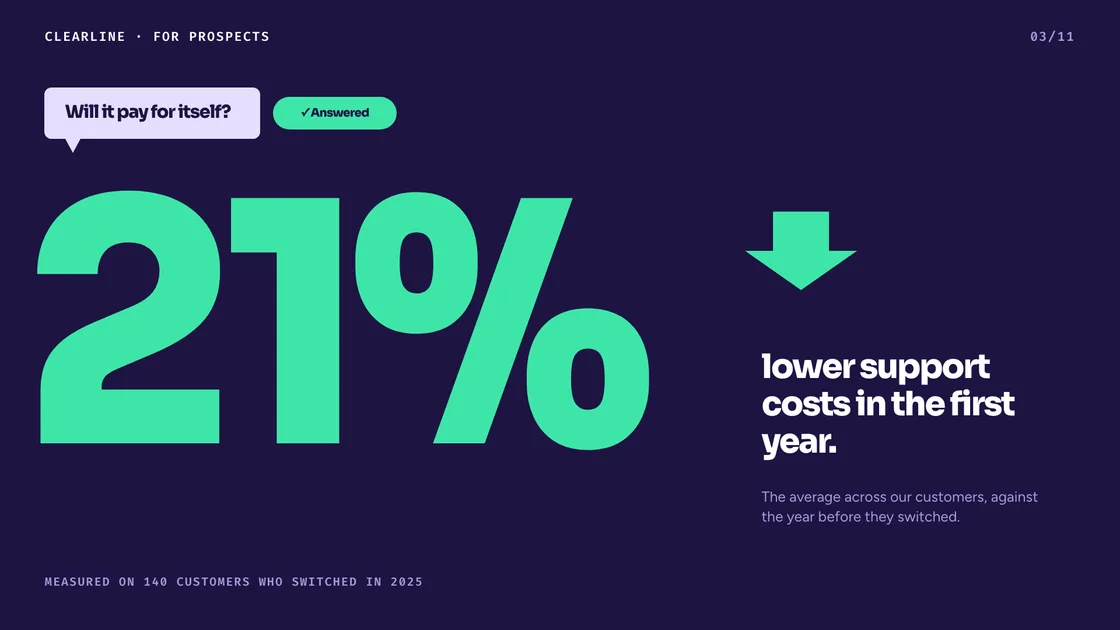
  • A slide from a sales meeting presentation made with Synclo.

    Thursday 9:00 am · Sales meeting

  • A slide from a demo day presentation made with Synclo.

    Thursday 10:00 am · Demo day

  • A slide from a city council presentation made with Synclo.

    Thursday 2:00 pm · City council

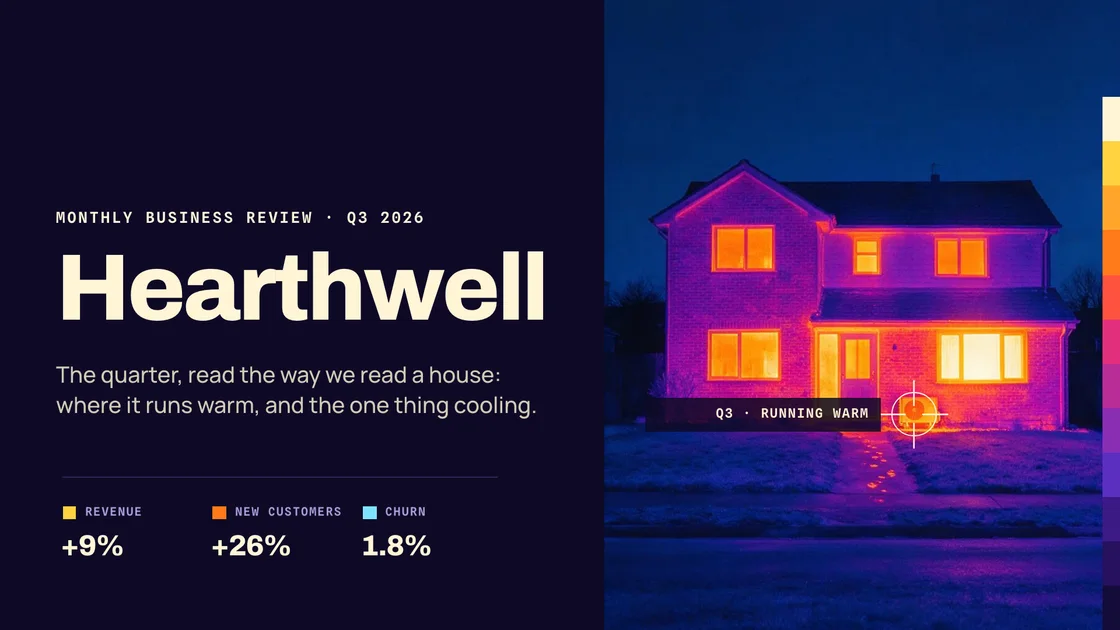
  • A slide from a monthly review presentation made with Synclo.

    Friday 9:00 am · Monthly review

  • A slide from a product launch presentation made with Synclo.

    Friday 3:00 pm · Product launch

  • A slide from a client pitch presentation made with Synclo.

    Friday 5:00 pm · Client pitch

  • A slide from a sam’s 40th presentation made with Synclo.

    Saturday 7:00 pm · Sam’s 40th