Rides grew all summer
Source:City Bikes trip records, October 2025 to September 2026
City Bikes · Year one · Item 7B
Summer
Rides grew
all summer.
July
46,000
rides, our best month

Sept · Bridge closed 3 weeks, 14 days of rain
Thursday 1:55 pm
On stage at two.Your laptop is in the car.
Free to start. No card needed.
Present it in the room, send the link after, and see the next morning how it was read.
1 Thursday 2:00 pm
Present full screen from any browser, with nothing to install. Your speaker notes, the next slide and a timer stay on your screen only.
2 Thursday 2:40 pm
Send the link. It opens on any phone or computer, laid out for the screen, and nobody needs an account.
3 Friday 9:15 am
On Pro and up, see who read it, how far they got and which slide held them longest.
Typed into Synclo
A 15-minute talk for the city council on the first year of our bike share: rides, stations, costs and what we’d build next.
Make one like thisAnything else? Write to support@synclo.app.
No. Synclo presents full screen in your browser, on any computer.
Yes. The presenter view opens in its own window with your notes, the next slide and a timer. Synclo can write the notes for you.
No. Anyone with the link can read it in their browser.
Yes. On Plus and up, add a password or set a date the link ends. On Pro and up, ask readers for their email first.
On Pro and up, yes: who read it, how far they got, and which slide held them longest.
Free to start. No card needed.
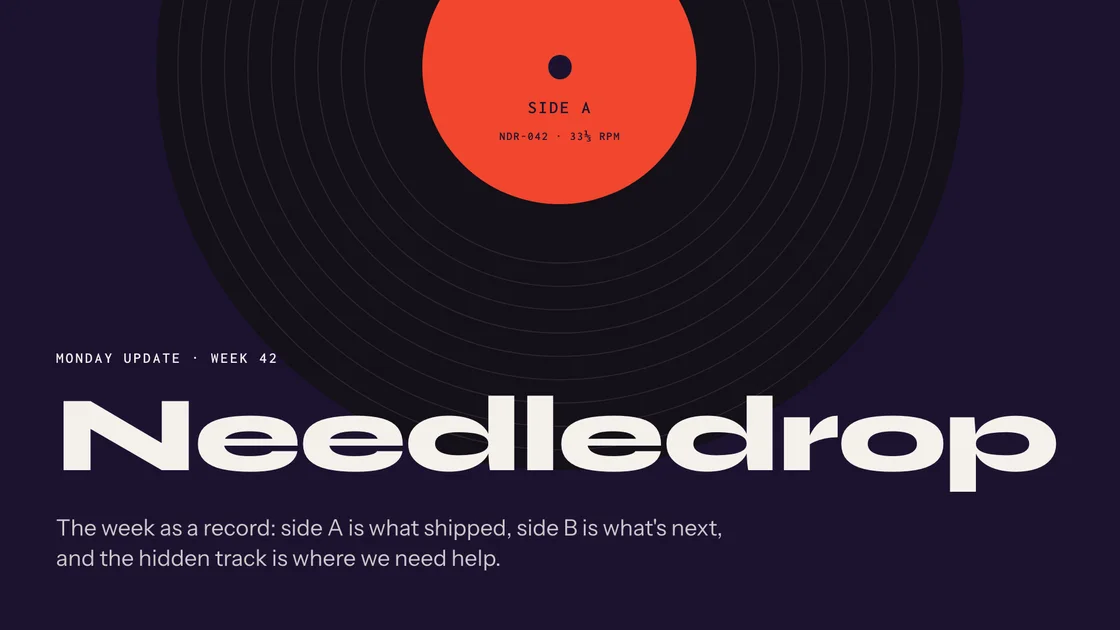
Monday 9:30 am · Team update

Monday 11:00 am · Client proposal
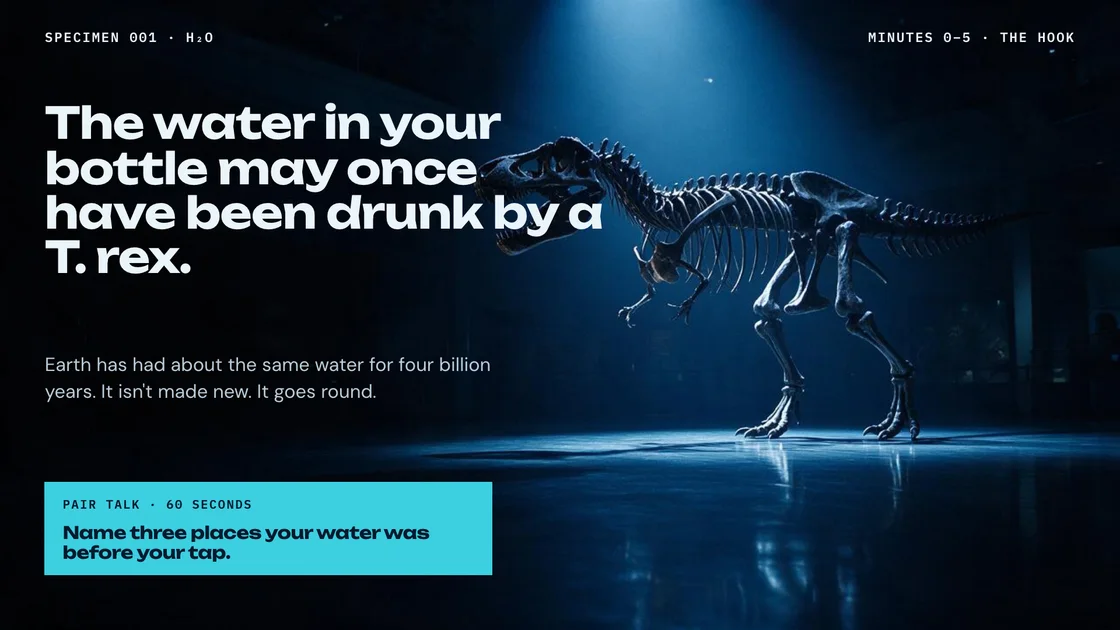
Monday 1:30 pm · Eighth-grade science
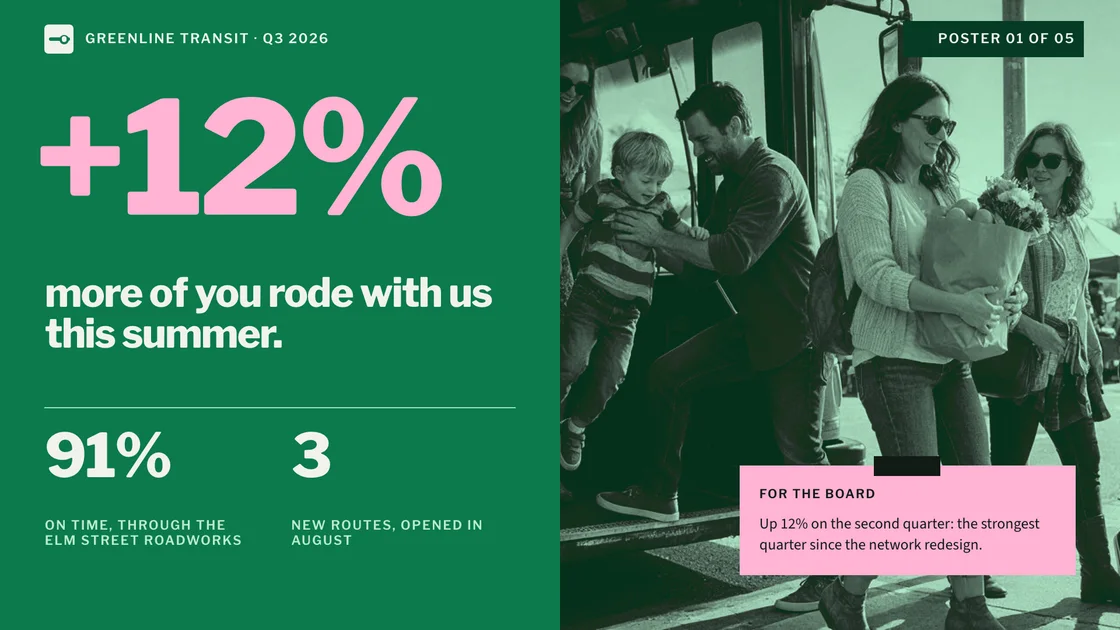
Tuesday 10:00 am · Board meeting

Wednesday 3:00 pm · Conference talk
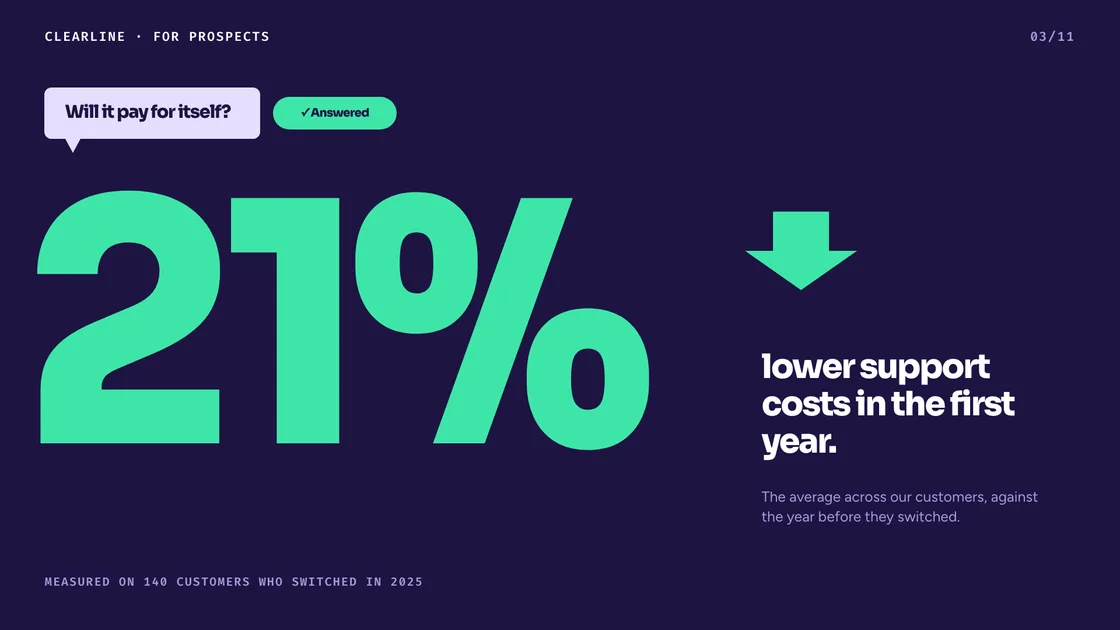
Thursday 9:00 am · Sales meeting
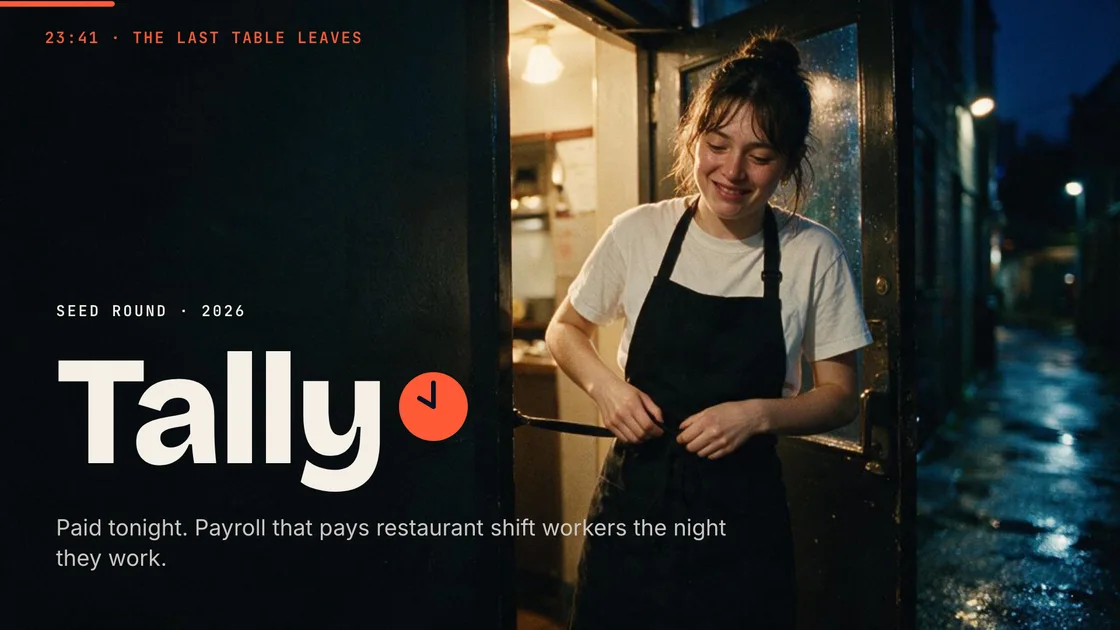
Thursday 10:00 am · Demo day
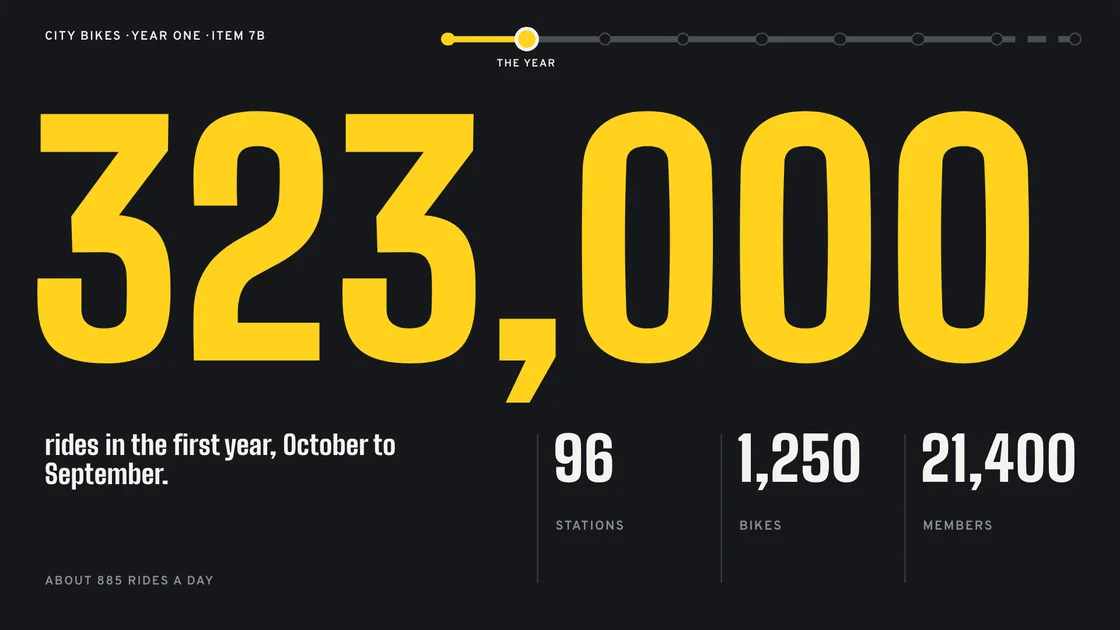
Thursday 2:00 pm · City council
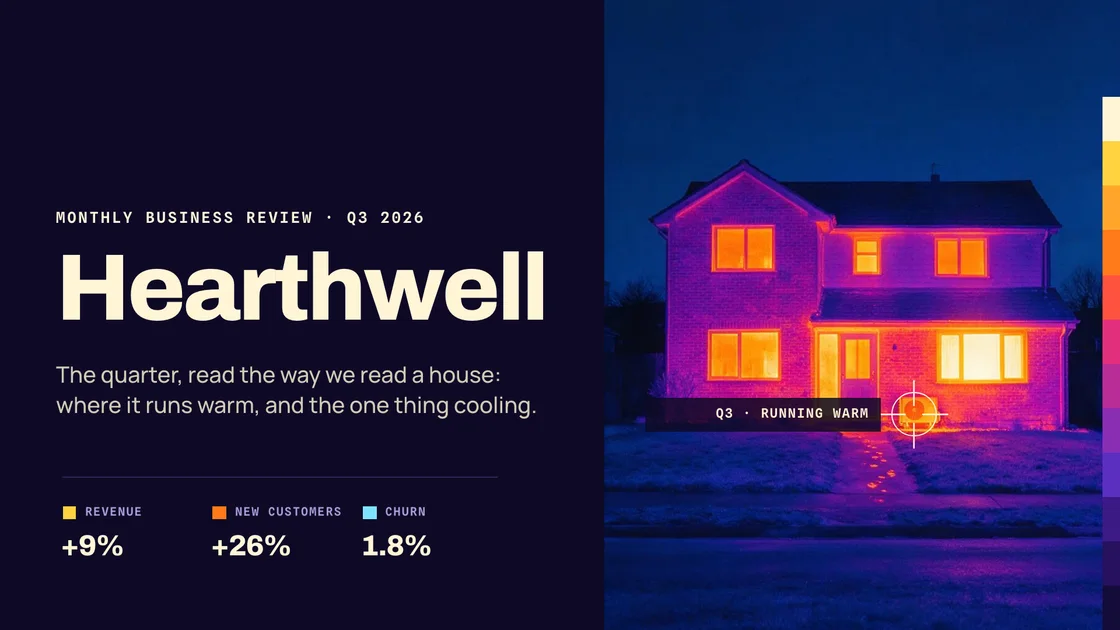
Friday 9:00 am · Monthly review

Friday 3:00 pm · Product launch
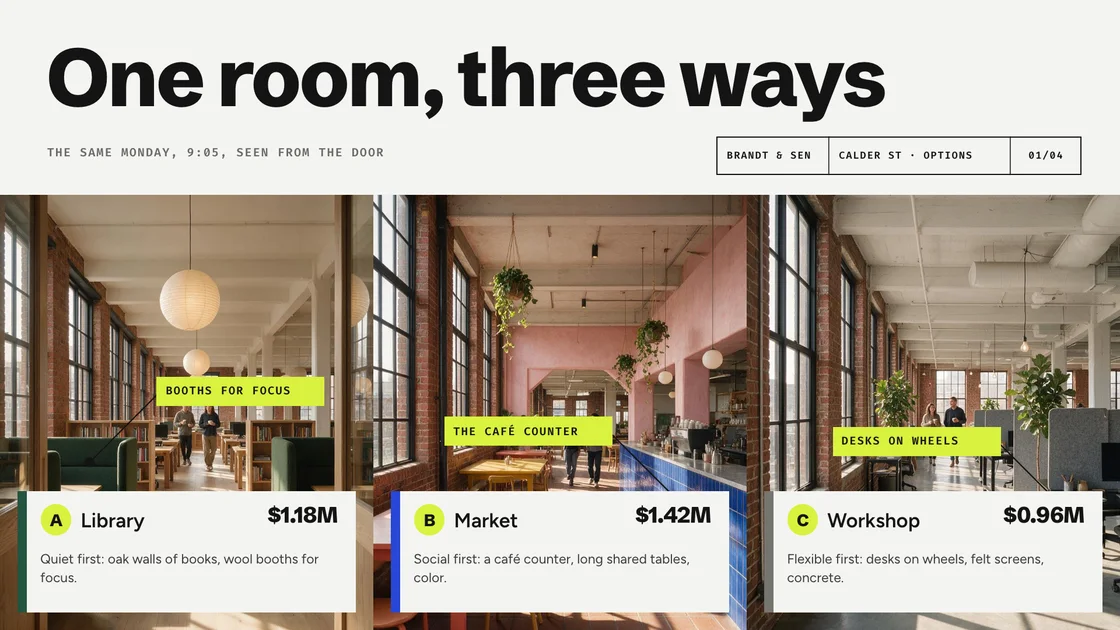
Friday 5:00 pm · Client pitch
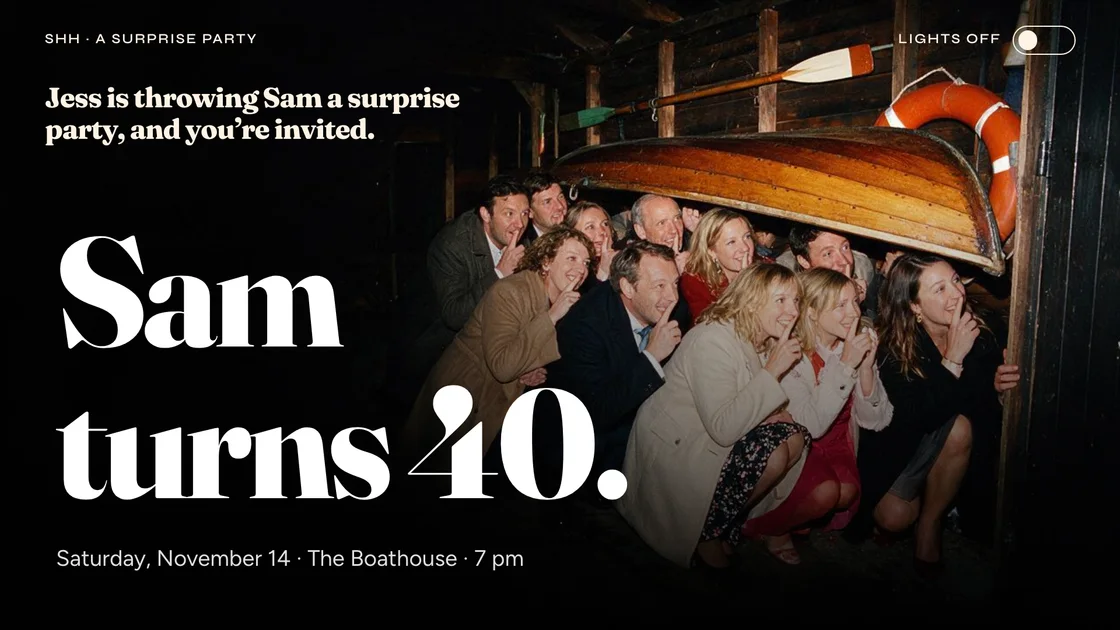
Saturday 7:00 pm · Sam’s 40th