AI presentation maker
Describe your presentation or upload your content. Synclo writes and designs every slide, and your data stays accurate.
Free to start. No credit card required.
Or start from an example
- 40 AI slidesincluded in the free plan
- 3 to 5 minutesfrom prompt to finished presentation
- Fully editablein Synclo, PowerPoint and Google Slides
How to create a presentation with AI
Create a Series A pitch deck for our wind-assisted shipping company: the fuel problem, proof from 41 crossings, the market, the team and a $40M raise
sea-trials-2026.pdf18 pagesGenerate1Describe your presentation
Enter a topic, paste your notes or upload a document. Add your audience and objective for a more focused result.
- 1The wind is free
- 2A ship burns $18,000 of fuel a day
- 3Now the carbon is on the bill too
- 4Four wings on a ship you already own
and 9 more slides
ThemeAaAaAaSlides−13+2Review the outline
Check the proposed structure, set the number of slides, and select a theme and image style.
- Halyard13 slidesRevisePresentShareDownload




3Edit, present or export
Refine the presentation with AI or by hand, present it from Synclo, share a link, or download it.
From a single prompt to a complete presentation
Select a presentation type to see an example prompt and a presentation created with Synclo.
Sales presentation: example prompt
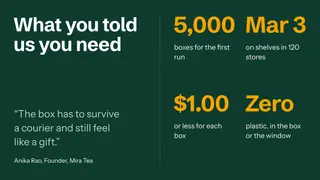
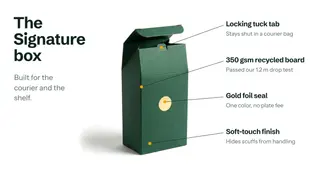
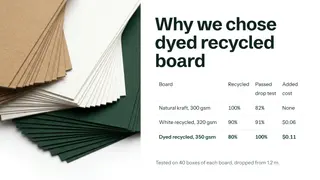
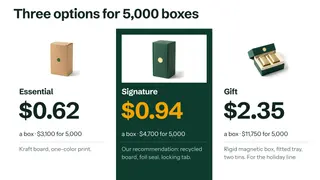
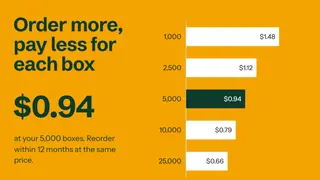
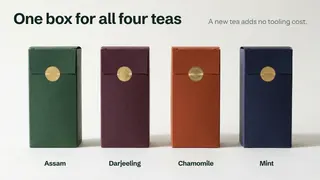
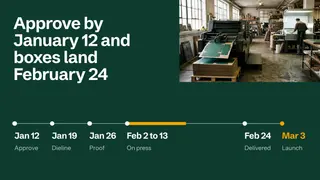
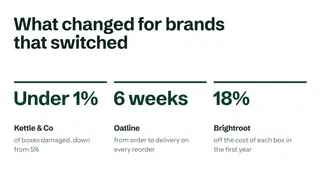
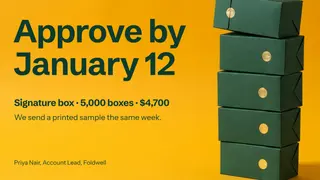
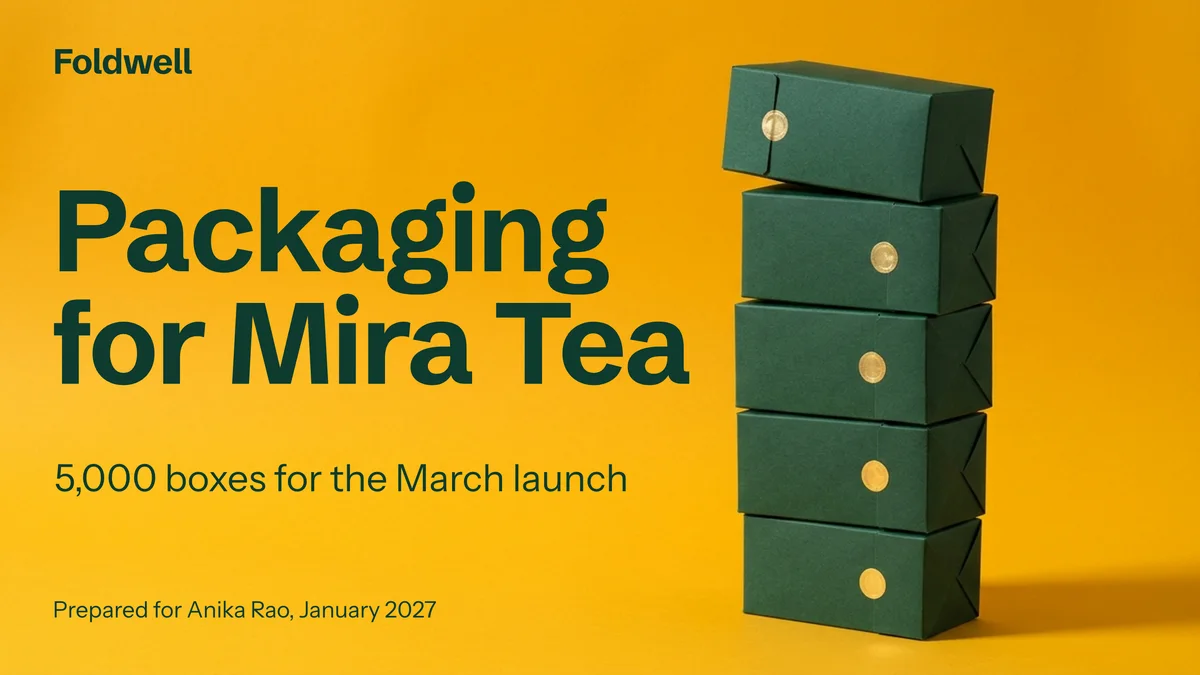
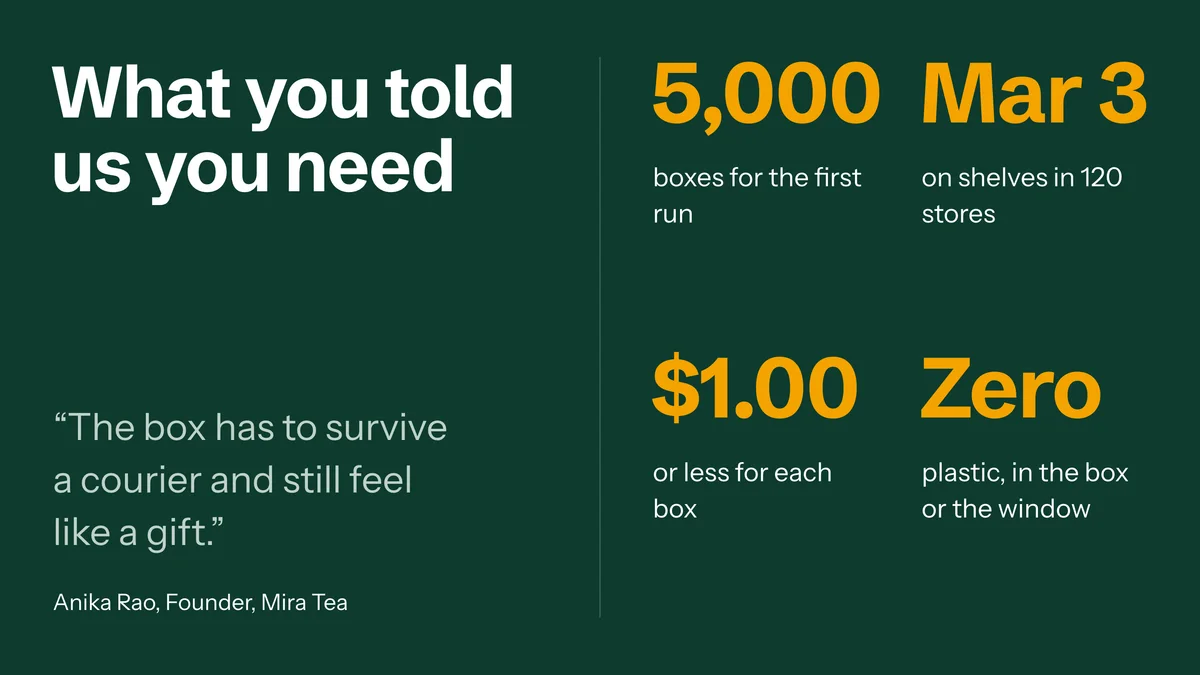
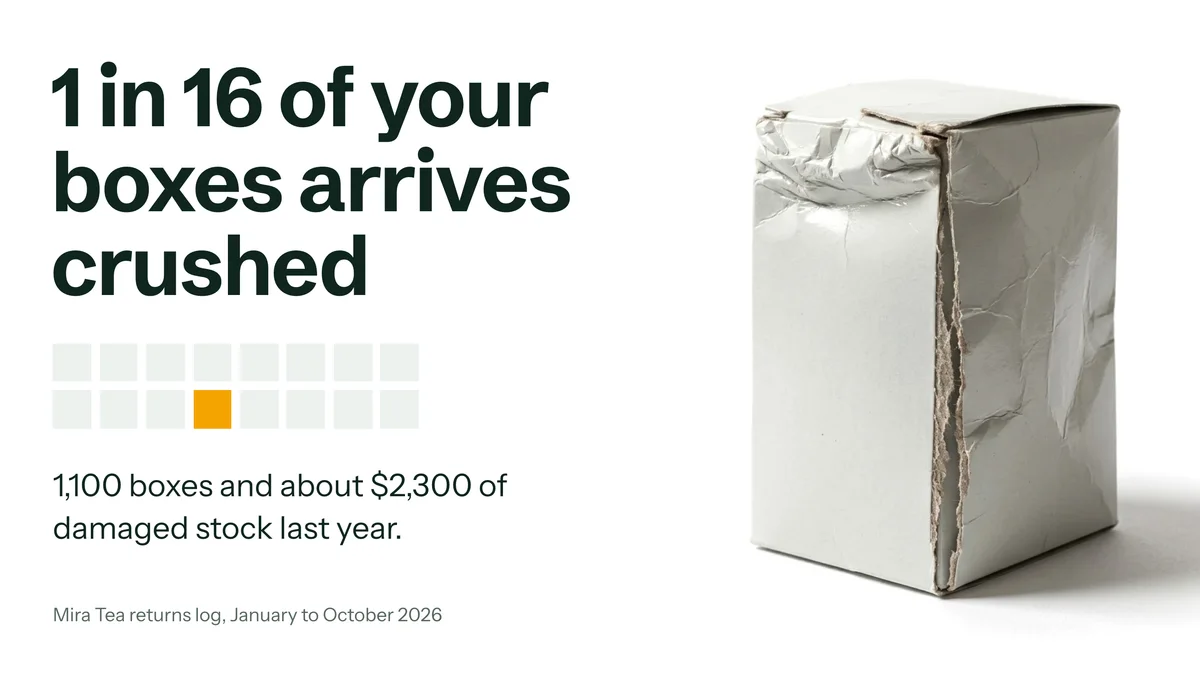
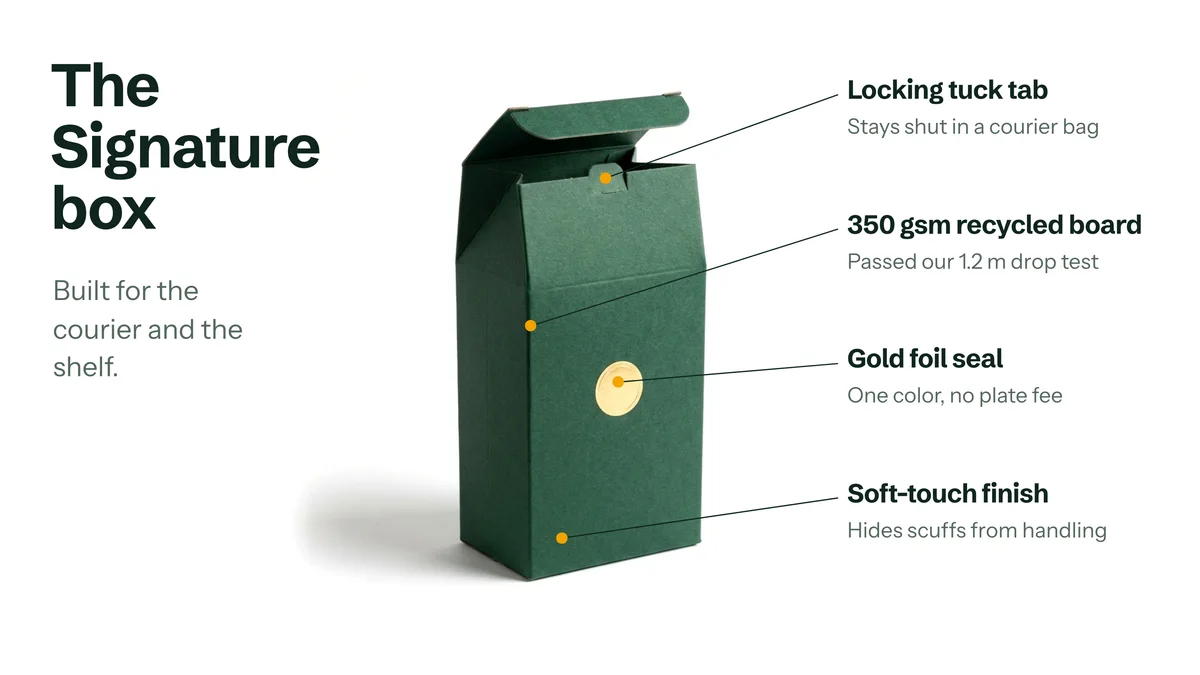
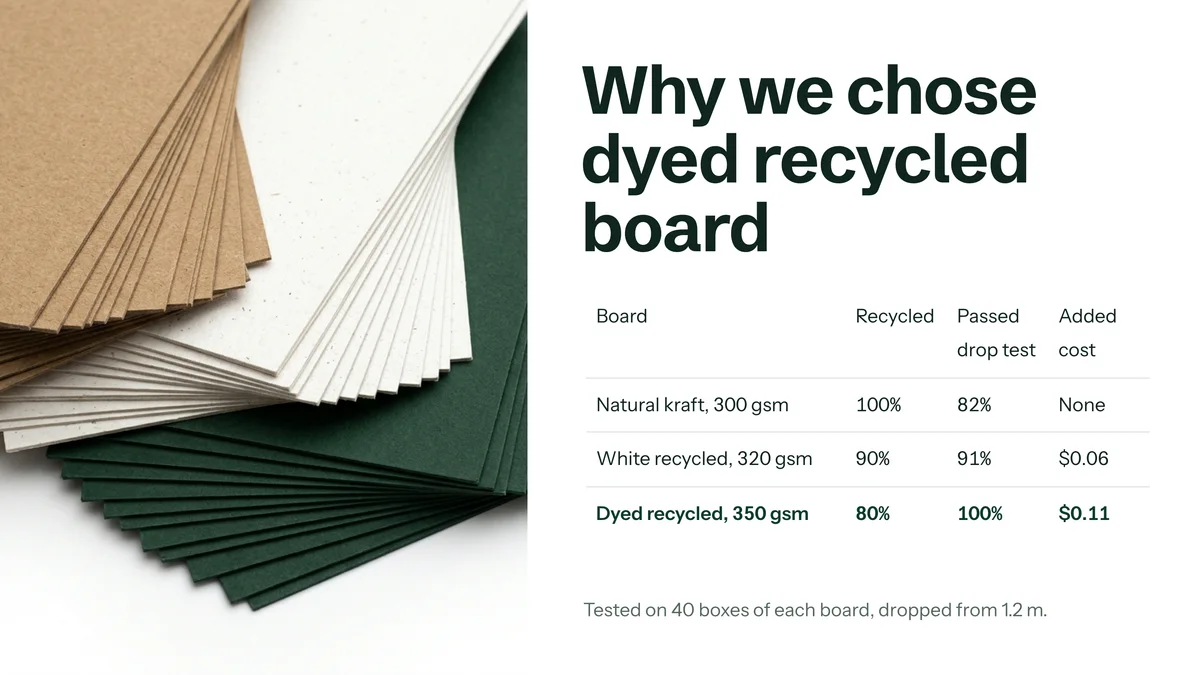
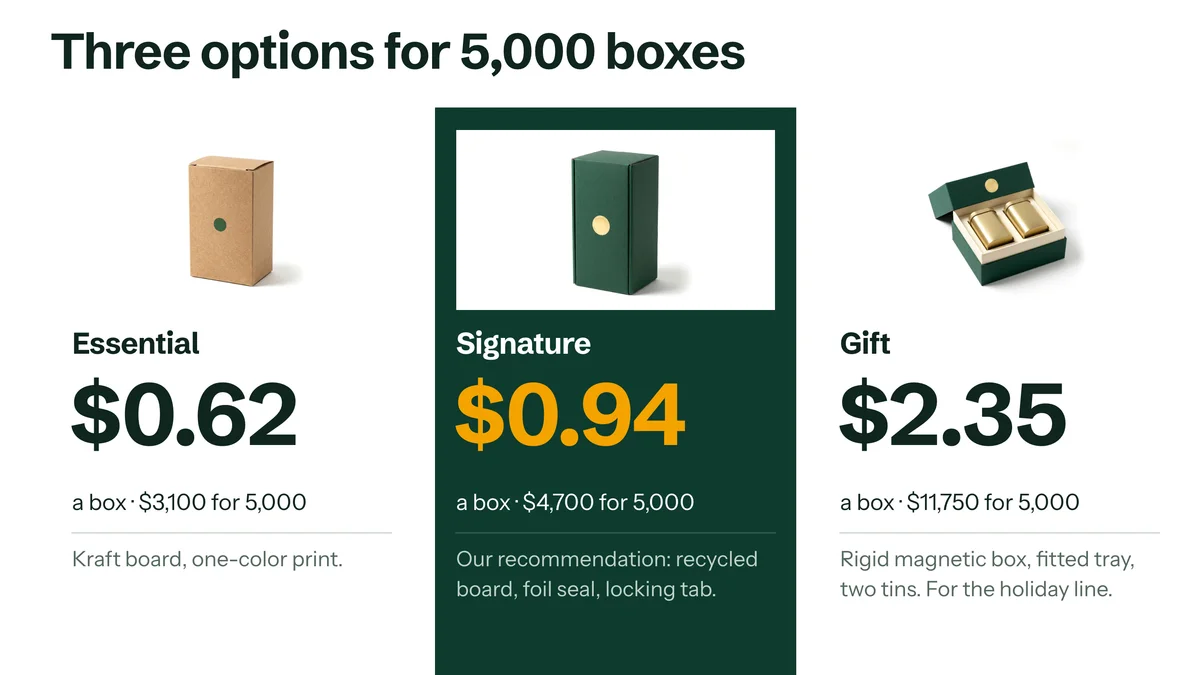
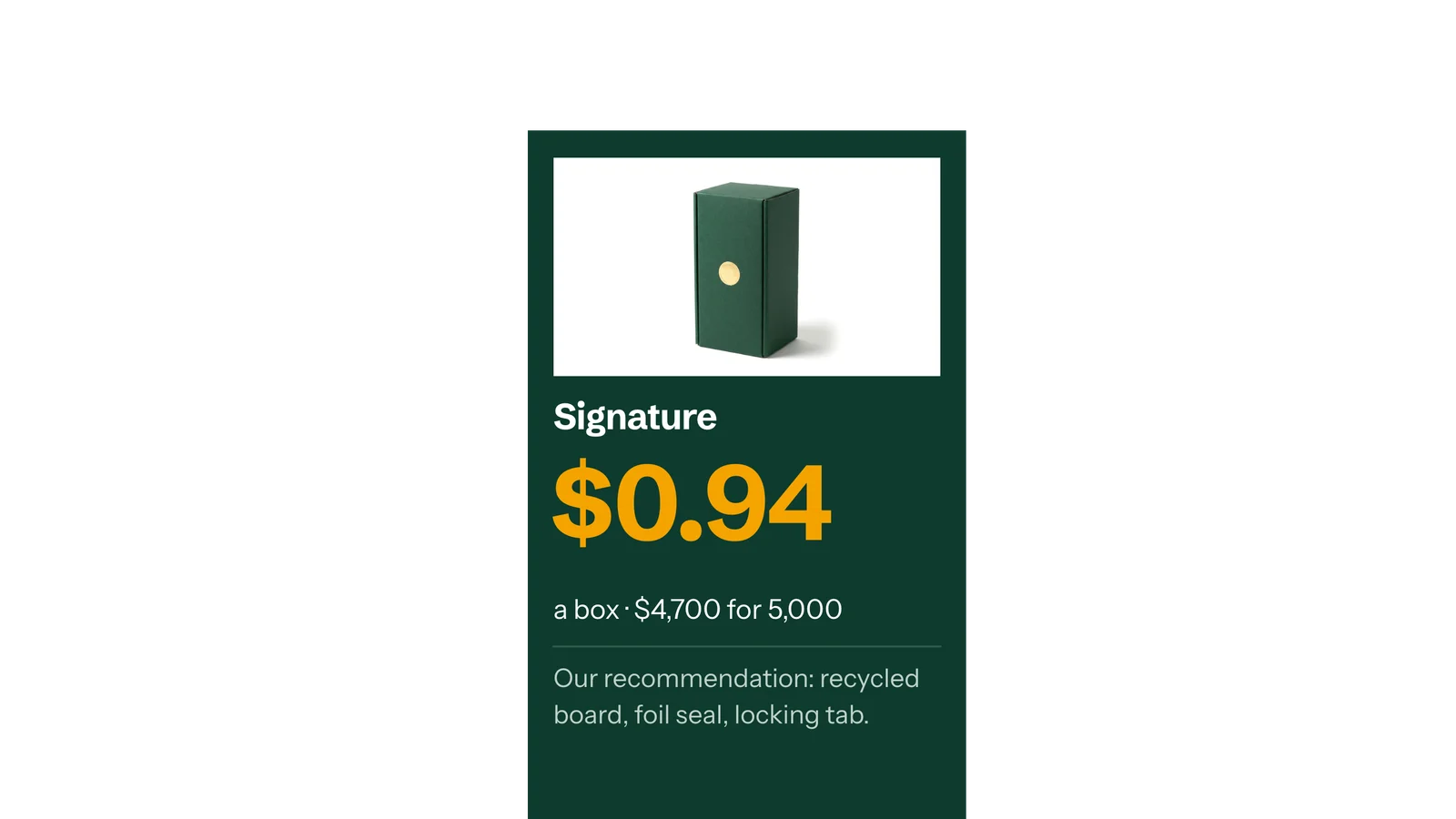
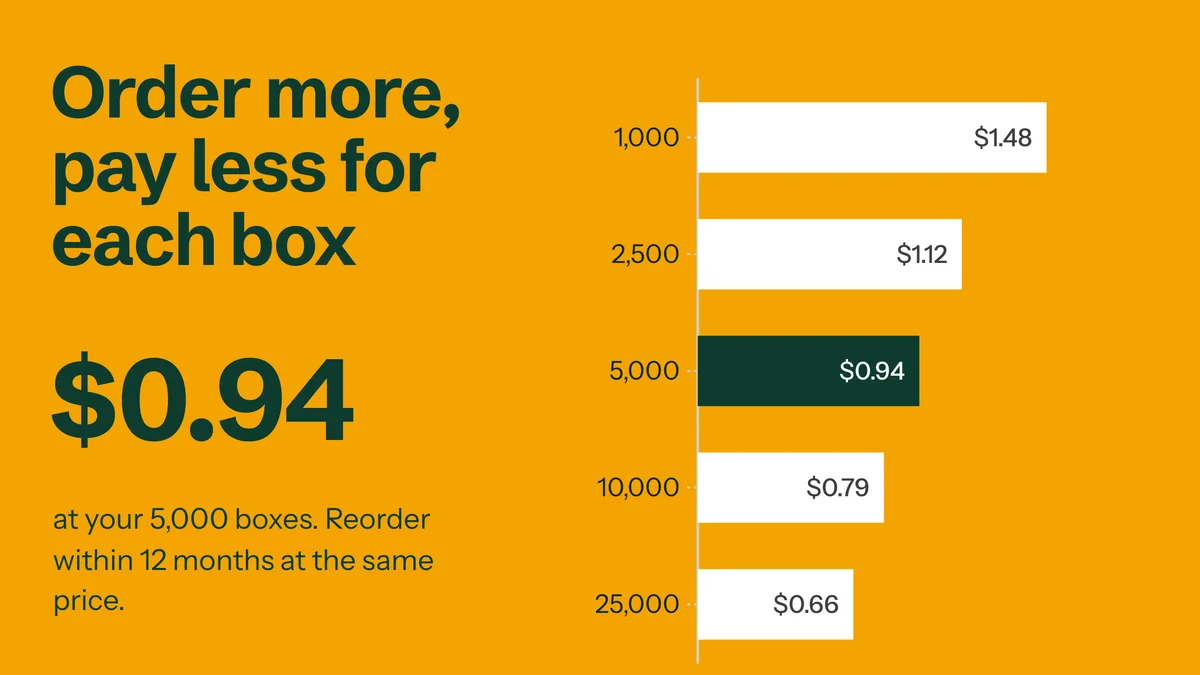
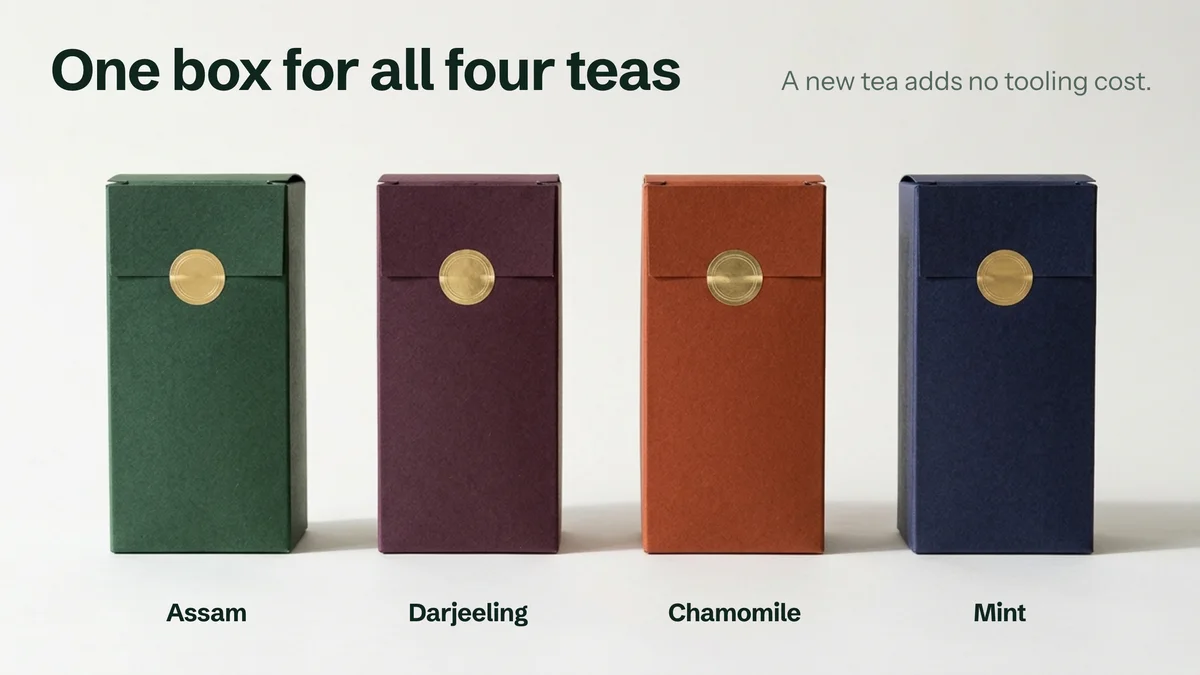
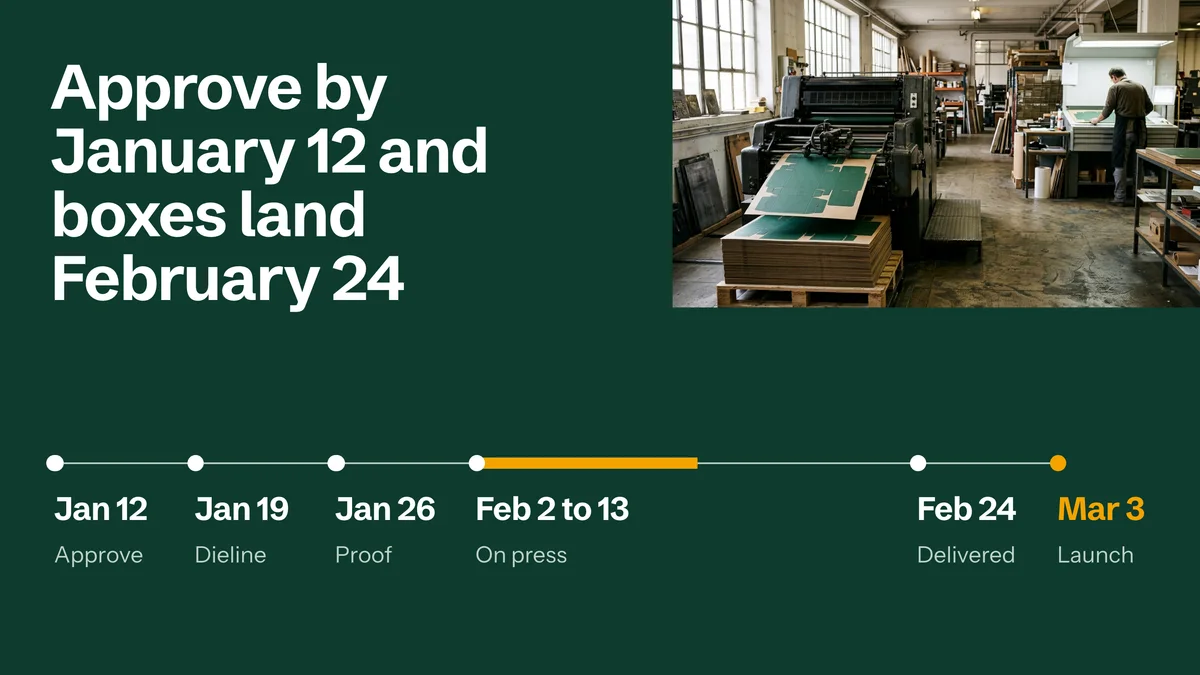
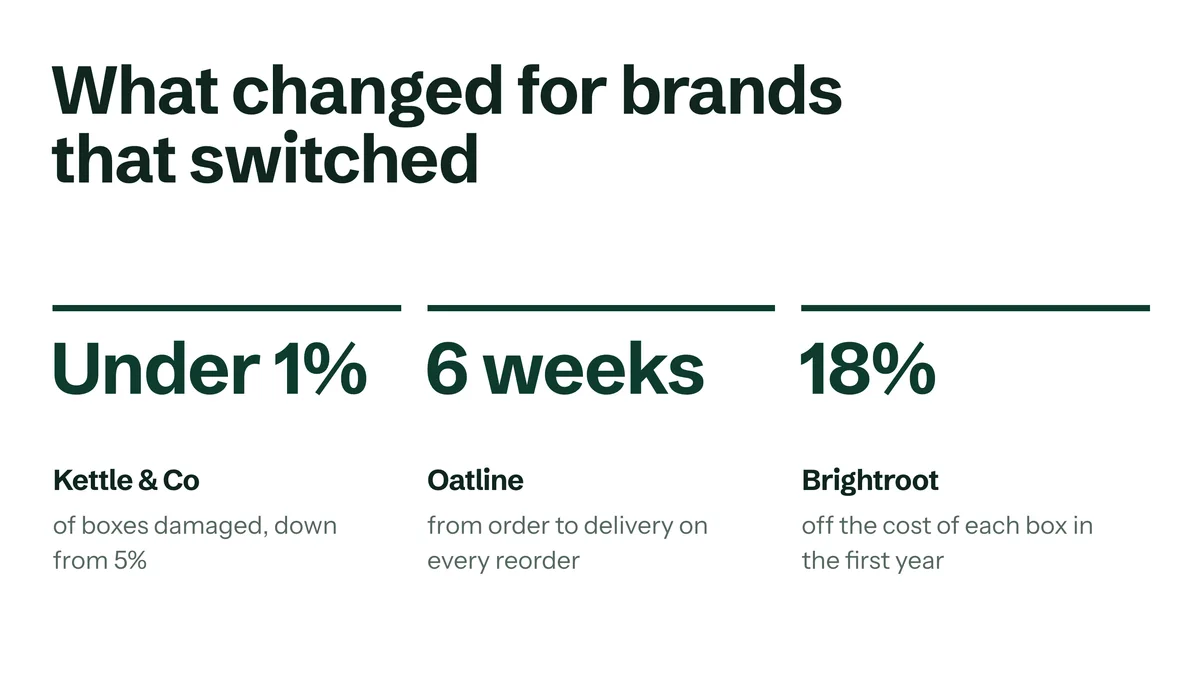
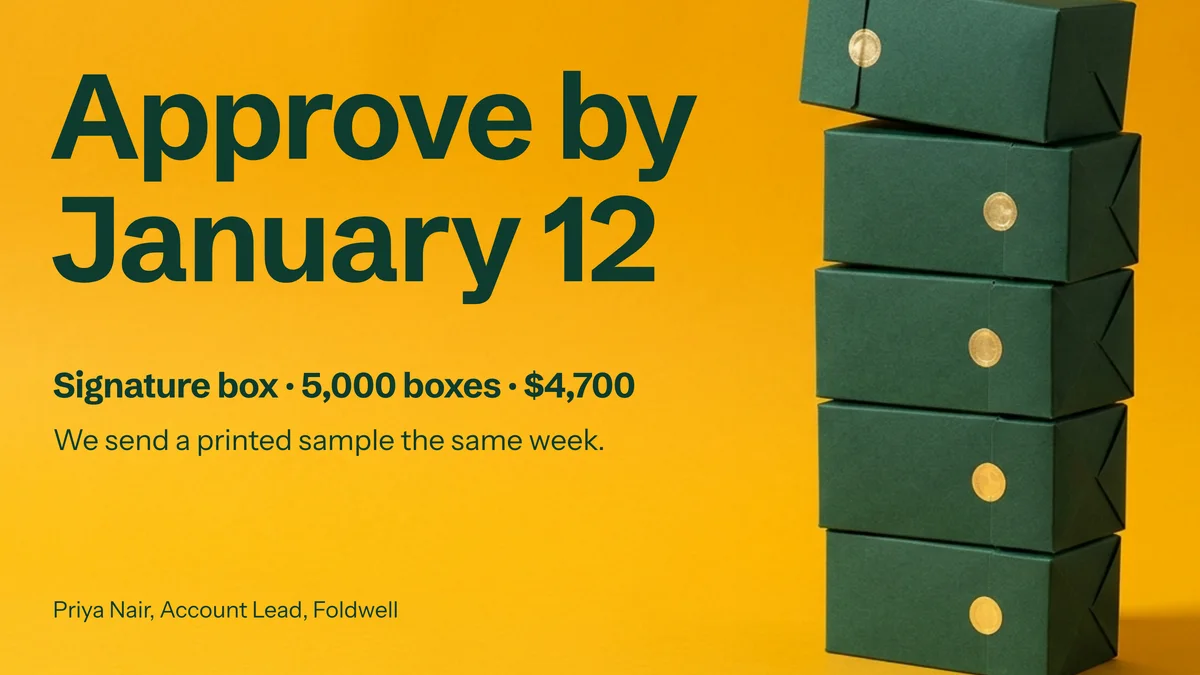
Create a sales presentation for your packaging company’s proposal to a tea brand: what the client asked for (5,000 boxes by March 3, under $1.00 a box, no plastic), the damage problem (1 in 16 boxes arrives crushed), the recommended box, three pricing options ($0.62, $0.94 and $2.35 a box), volume pricing, the production timeline, results for other brands, and the approval needed by January 12
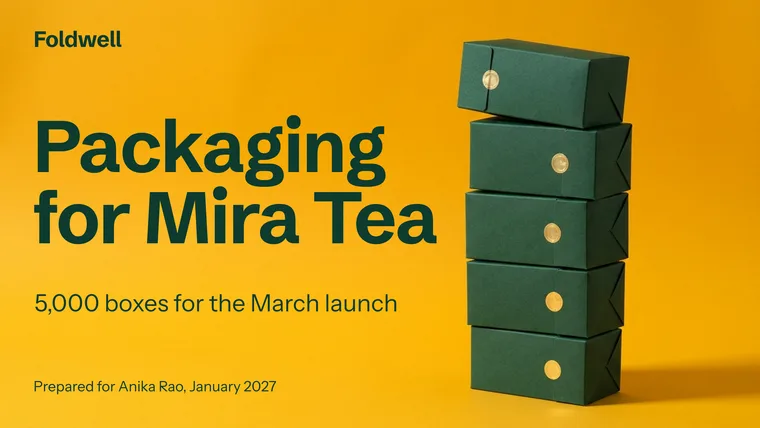
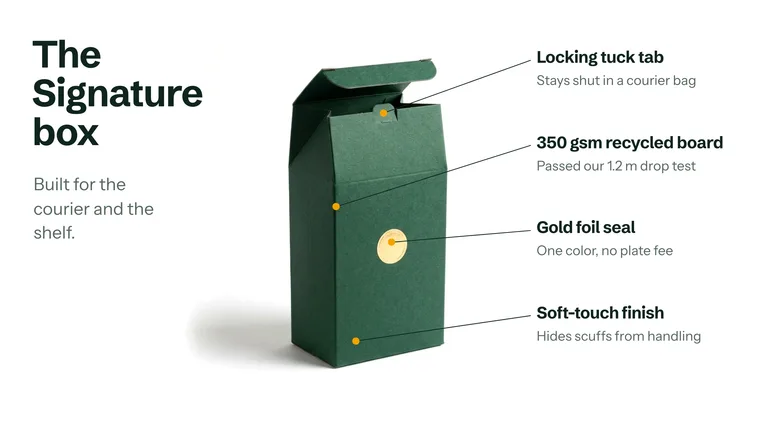
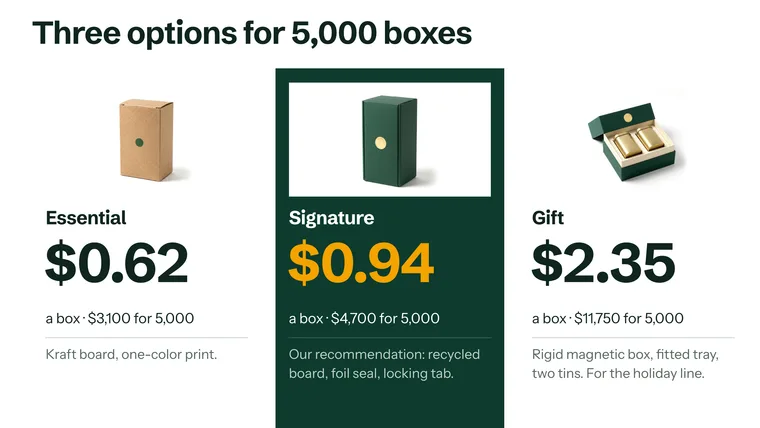
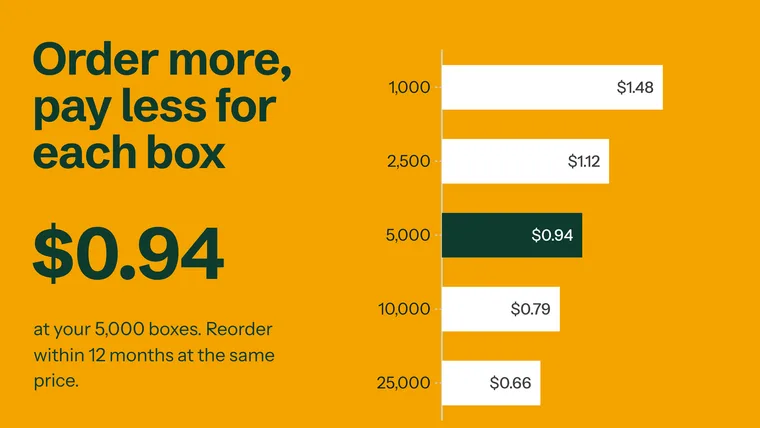
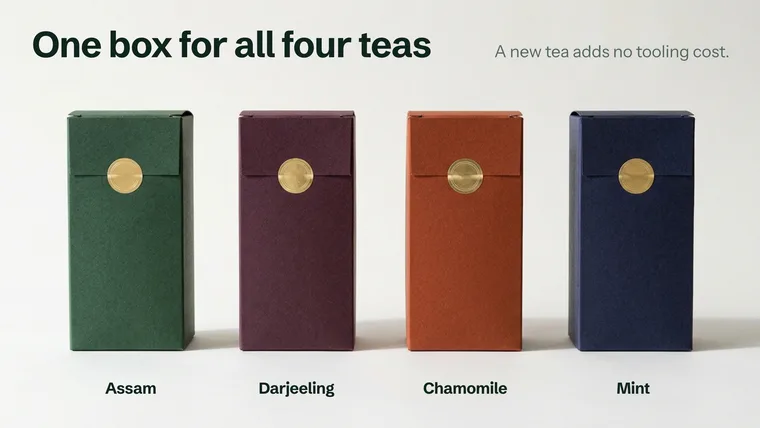
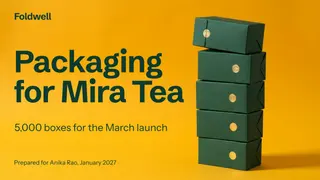
Foldwell, Packaging for Mira Tea11 slides
Business plan: example prompt
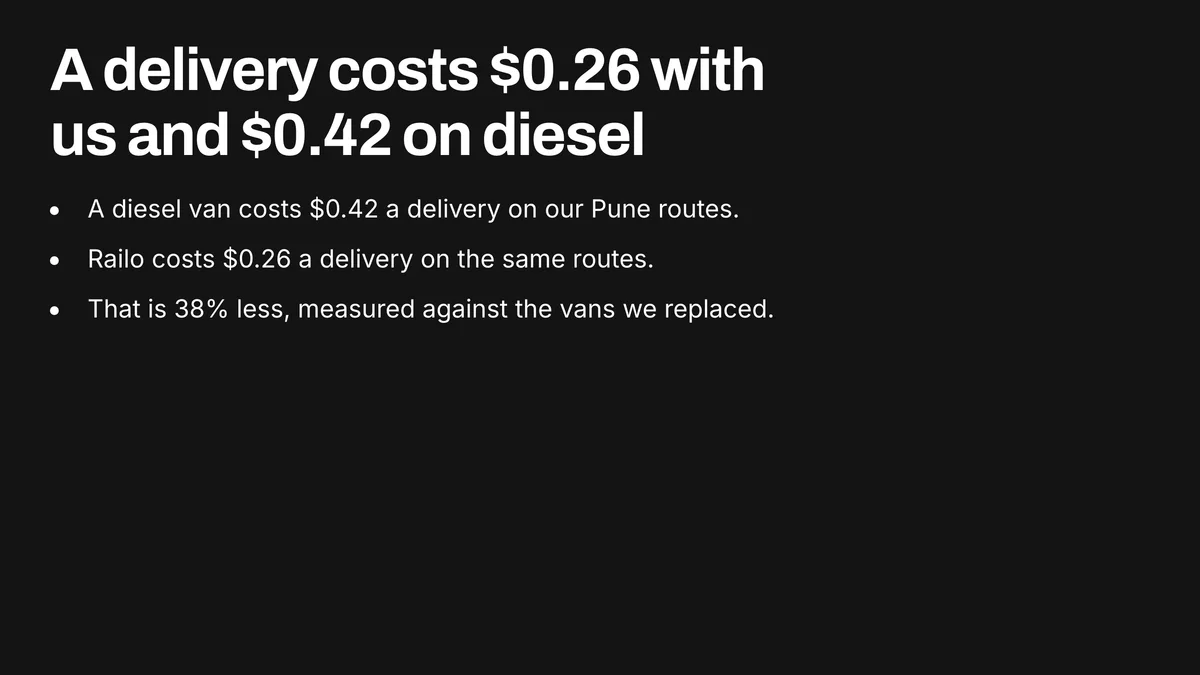
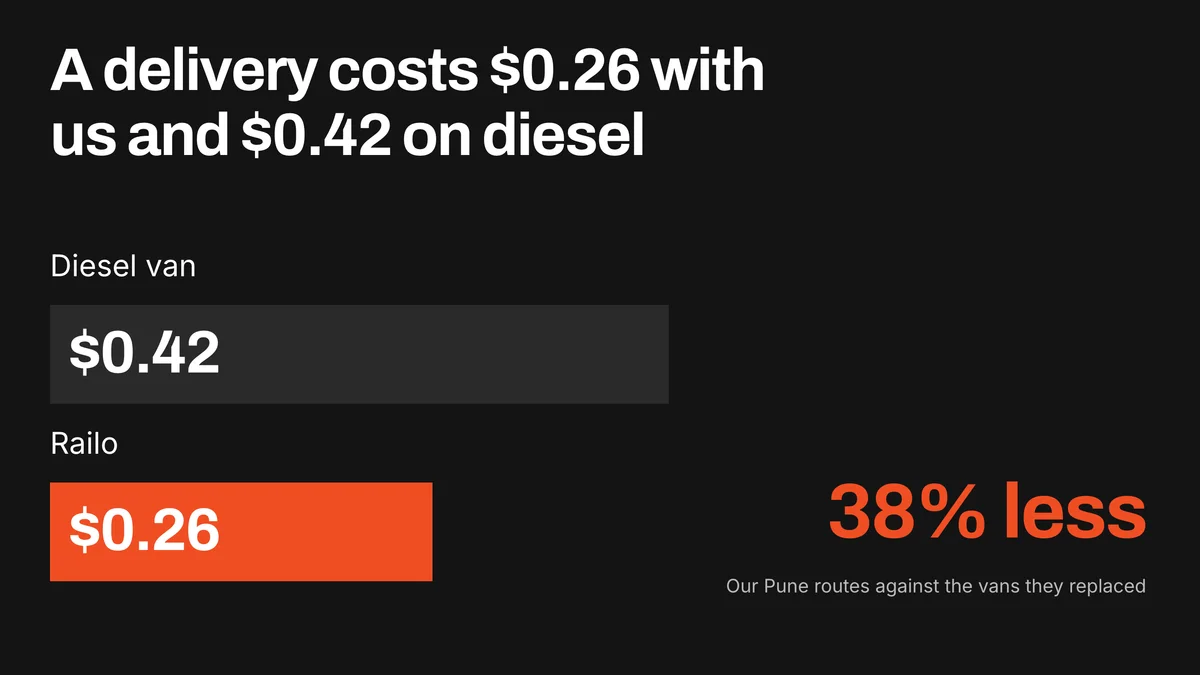
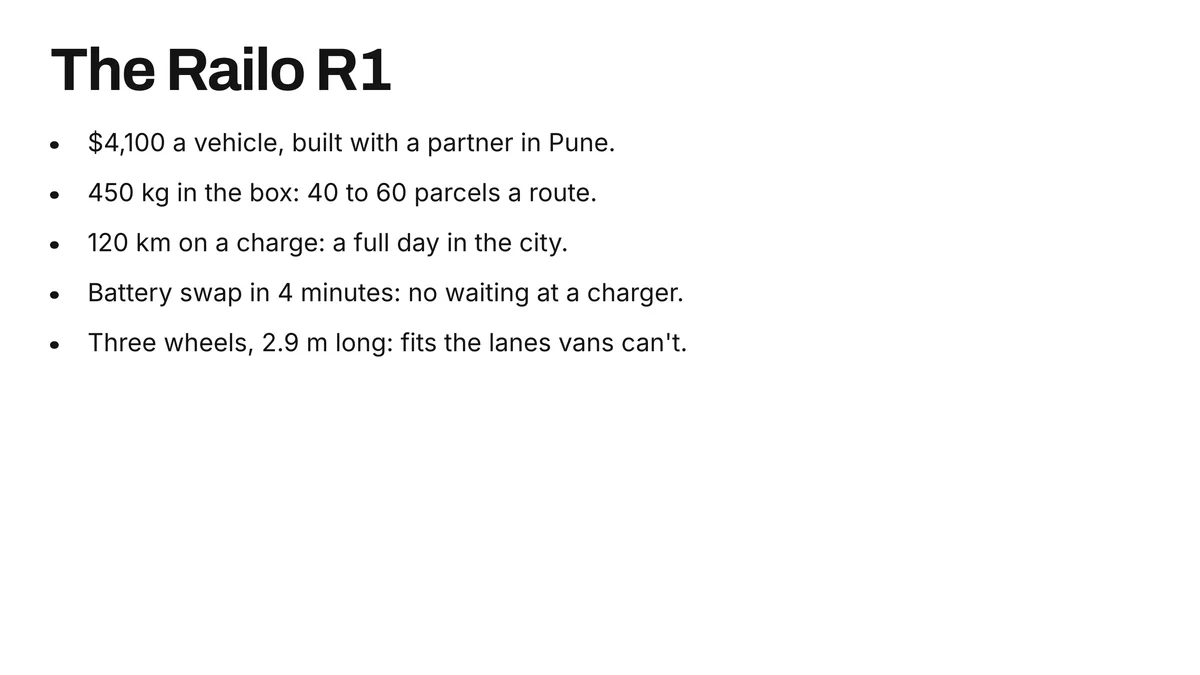
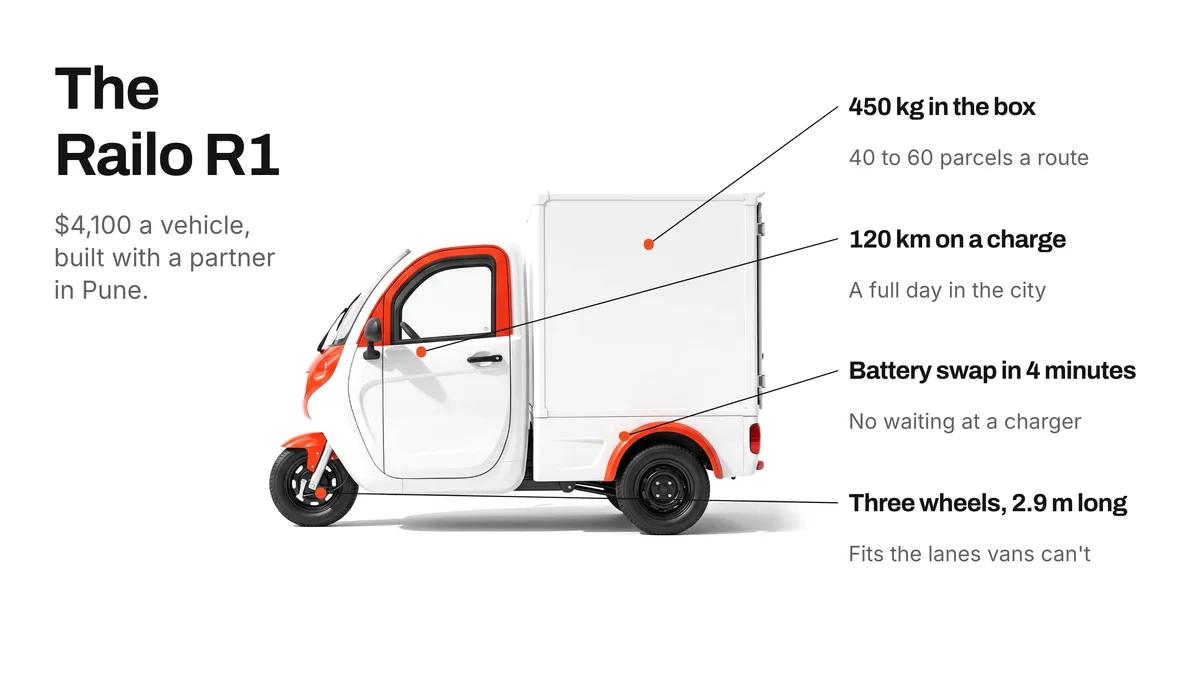
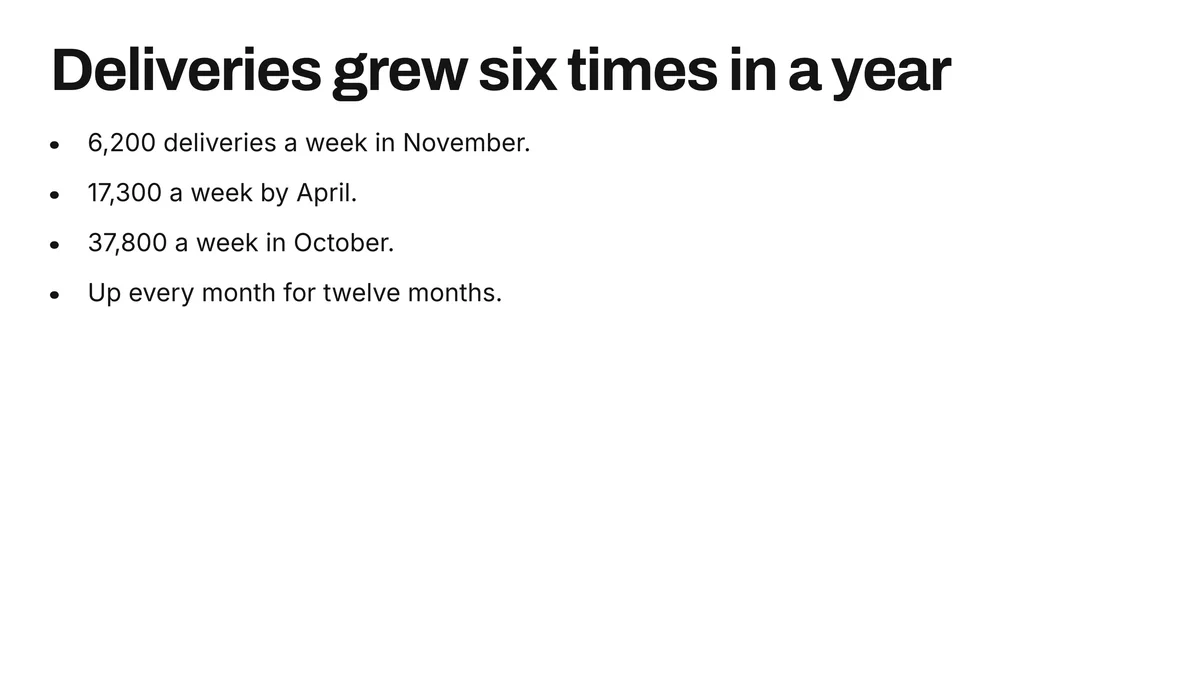
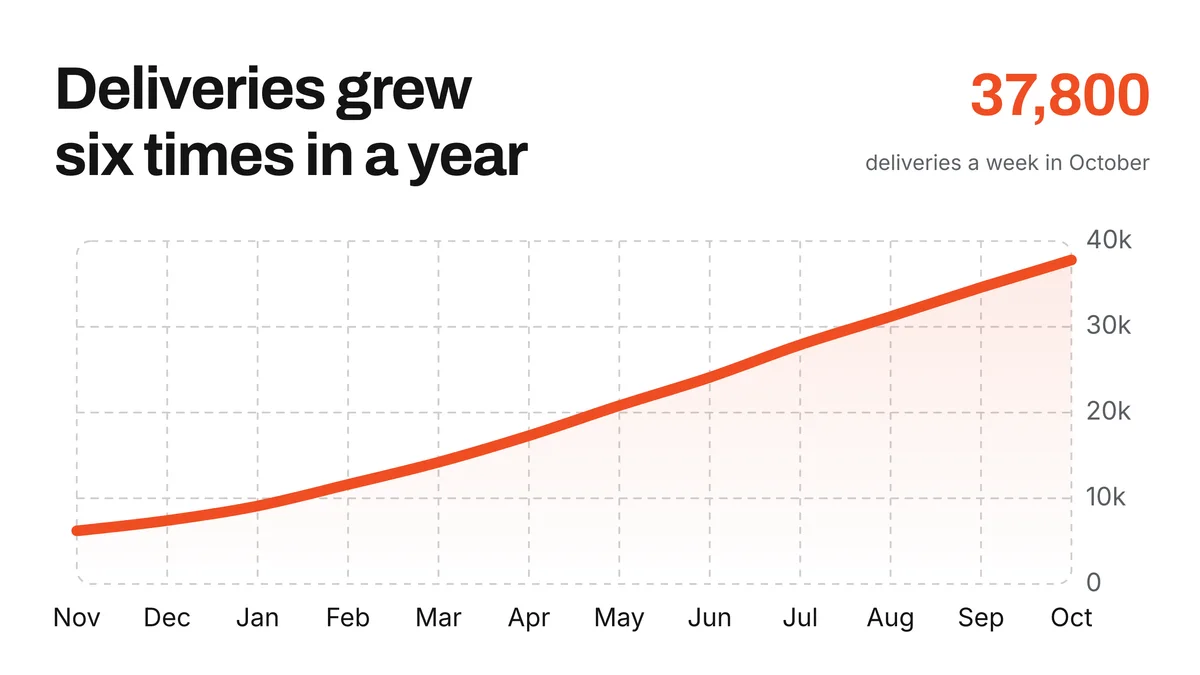
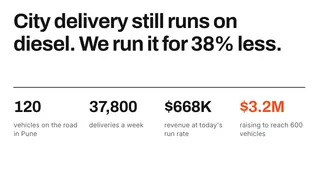
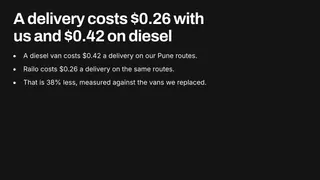
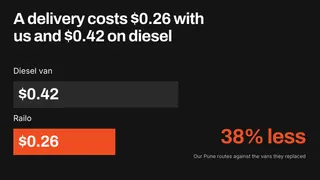
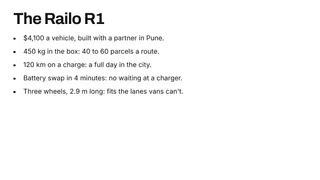
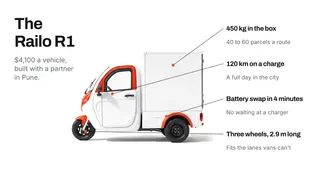
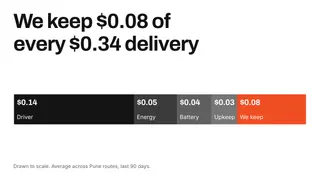
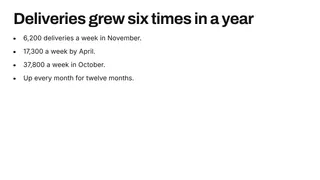
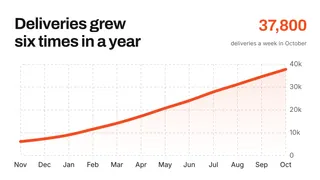
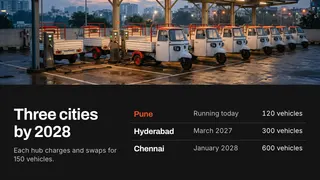
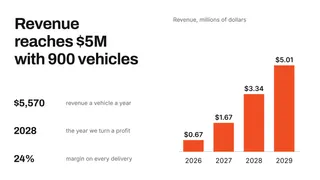
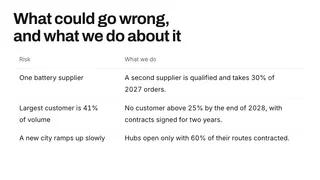
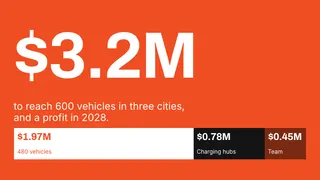
Create a business plan presentation for your electric cargo startup: the cost advantage ($0.26 a delivery against $0.42 on diesel), the vehicle, market size (2.4 million parcels a day in three cities), unit economics, growth to date (deliveries up six times in a year), expansion to three cities by 2028, the revenue forecast ($5M with 900 vehicles), key risks, and a $3.2M funding request
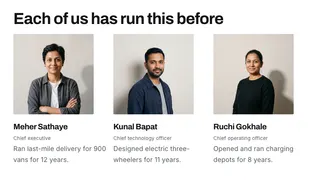
Railo, Electric cargo for city delivery11 slides
Pitch deck: example prompt
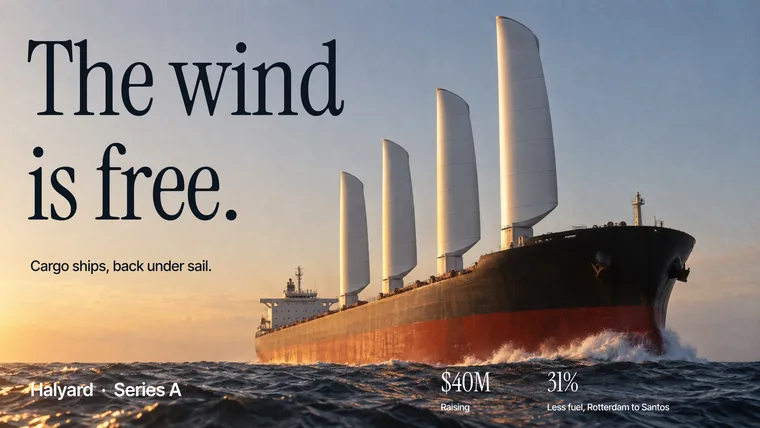
Create a Series A pitch deck for your wind-assisted shipping company: the problem ($18,000 of fuel a day per ship, plus carbon costs), the product (four wings fitted to an existing ship), proof (31% less fuel across 41 measured crossings), the market ($1.6B a year), the business model (40% of every dollar saved), competitors, the team, the roadmap from 3 ships to 23, and a $40M raise
Halyard, The wind is free13 slides
Company profile: example prompt
Create a company profile for your precision machining business: key figures (founded 1998, 64 CNC machines, 210 employees, 4.2 million parts a year), company history, four processes under one roof, the sectors you serve, how a part moves through production, on-time delivery, customers (140 in 19 countries), a customer result (part cost down 18%), certifications, and how to work with you
Torvik Precision11 slides
Quarterly report: example prompt
Create a quarterly business review for your leadership team: revenue by region (up 9% since July), new customers (149 in September), churn (down to 1.8%), the fastest-growing region, and priorities for the fourth quarter
Hearthwell, Q3 2026 business review14 slides
Lesson: example prompt
Create a 40-minute science lesson for 8th graders on the water cycle: an opening question (where does rain come from?), a surprising fact to start, the four stages, a hands-on activity (a water cycle in a bag), a discussion of the results, and an exit question
Where does rain come from?13 slides
Start from a prompt, your notes or a document
Enter a topic for a complete first draft, or provide your own material. Your figures are carried over exactly as written.
- Prompts, pasted notes and outlines
- PDF, Word, PowerPoint and text files
- Figures match your source
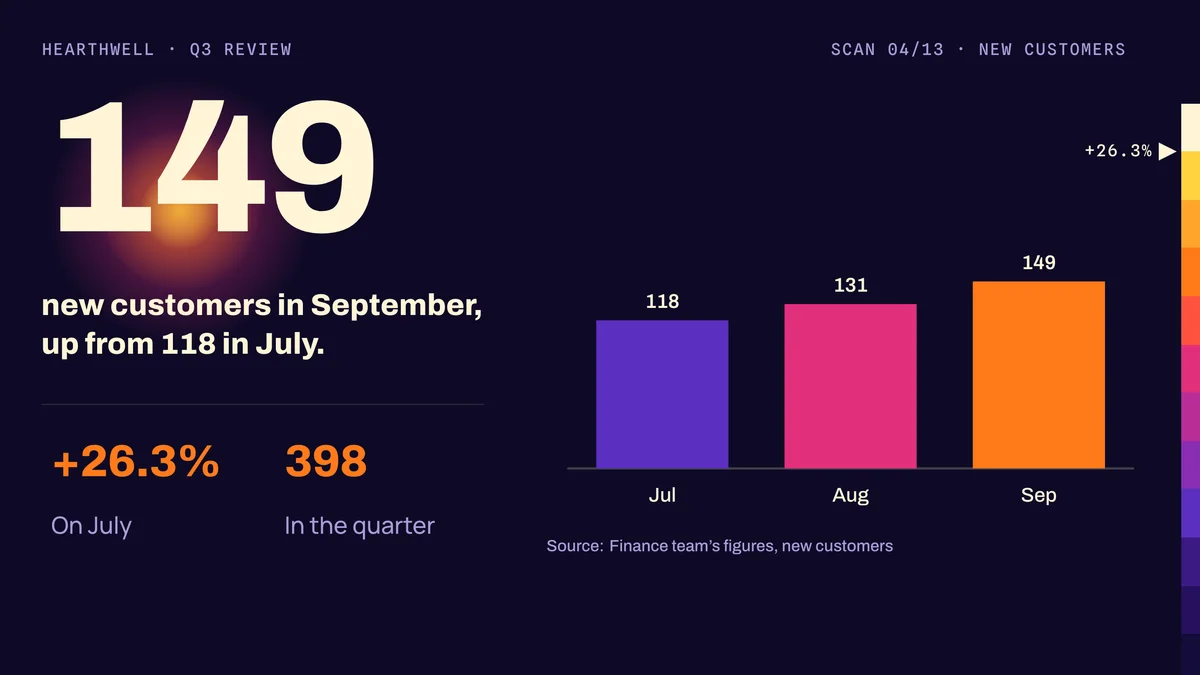
New customers: 118 in July, 131 in August, 149 in September.
398 for the quarter, up 26.3% on July.
Professional design, applied automatically
Every slide is laid out for its content, with charts, diagrams and images in one consistent theme.
- Charts and diagrams created from your data
- AI-generated images in a consistent style
- Customizable themes and brand kits







Refine the result without starting over
Describe the change you want and Synclo updates every slide it affects. You can also edit any text, chart or image yourself.
- Rewrite, shorten or restructure by request
- One request updates every affected slide
- Direct editing of text, charts and images


Present, share and export
Present directly from Synclo, share a link, or download an editable file.
- Presenter view with speaker notes
- Shareable links with view analytics
- PowerPoint, Google Slides and PDF export
Present
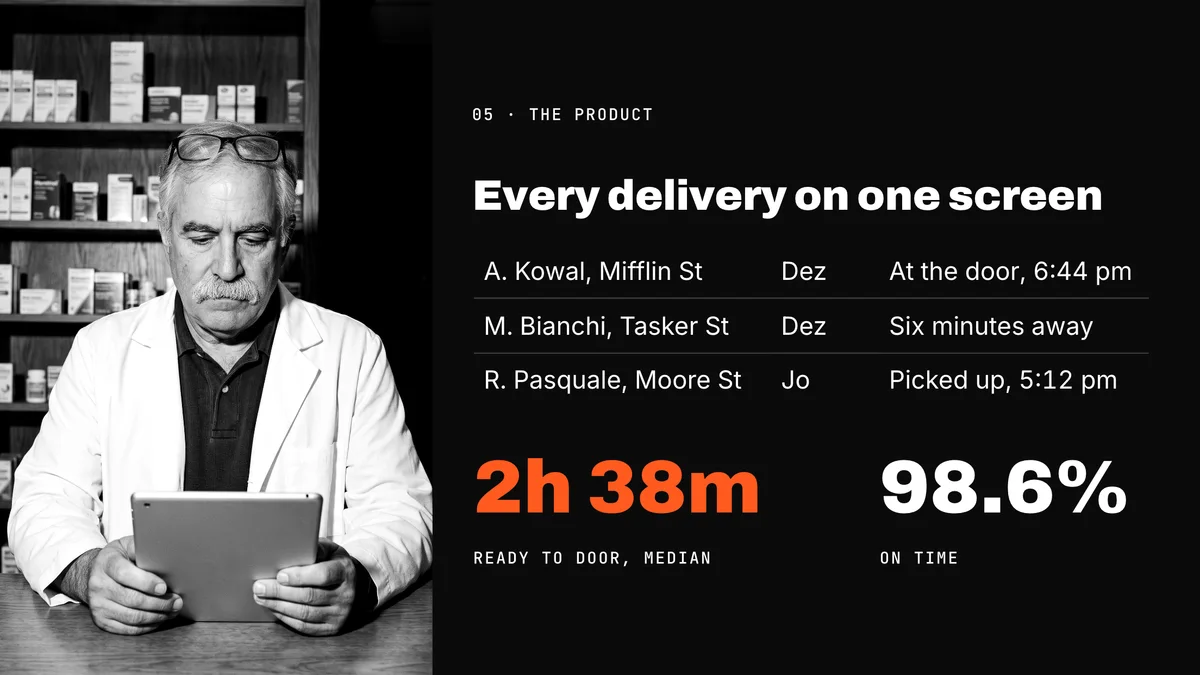
This is what Sal sees: every bag that left today, who has it and where it is.
6:46Slide 6 of 15
Share
synclo.site/r/stoopCopied
MMeera IyerReading now, slide 9
Download
PowerPoint
Google Slides
PDF
Frequently asked questions
What is an AI presentation maker?
An AI presentation maker creates slides from a prompt or from your own content. Synclo plans the structure, writes each slide and designs it, including charts and diagrams.
Is the AI presentation maker free?
Yes. The free plan includes up to 40 AI slides. No credit card is required.
Can I use my own content?
Yes. Paste your notes or upload a PDF, Word, PowerPoint or text file. Figures are carried over exactly as written.
Can I review the outline before the slides are created?
Yes. Synclo proposes an outline first. Edit or reorder it, set the number of slides and select a theme before you generate.
Can I edit the presentation after it is generated?
Yes. Edit any text, chart or image directly, or request changes in plain language.
Can I export to PowerPoint or Google Slides?
Yes. Download an editable PowerPoint file or a PDF, or open the presentation in Google Slides. Charts remain editable in PowerPoint.
Does the AI invent figures?
Figures you provide are carried over exactly. When a prompt includes no data, Synclo adds sample figures and marks them for you to replace.
Can I use my company’s branding?
Yes. Add your logo, colors and fonts as a brand kit, available on the Pro plan, and every presentation follows it.
Is my content used to train AI?
No. Your content stays private, and our AI providers do not train on it.
Create your next presentation in minutes
Create up to 40 AI slides free. No credit card required.